Chapter 3
Page 48
Using the System
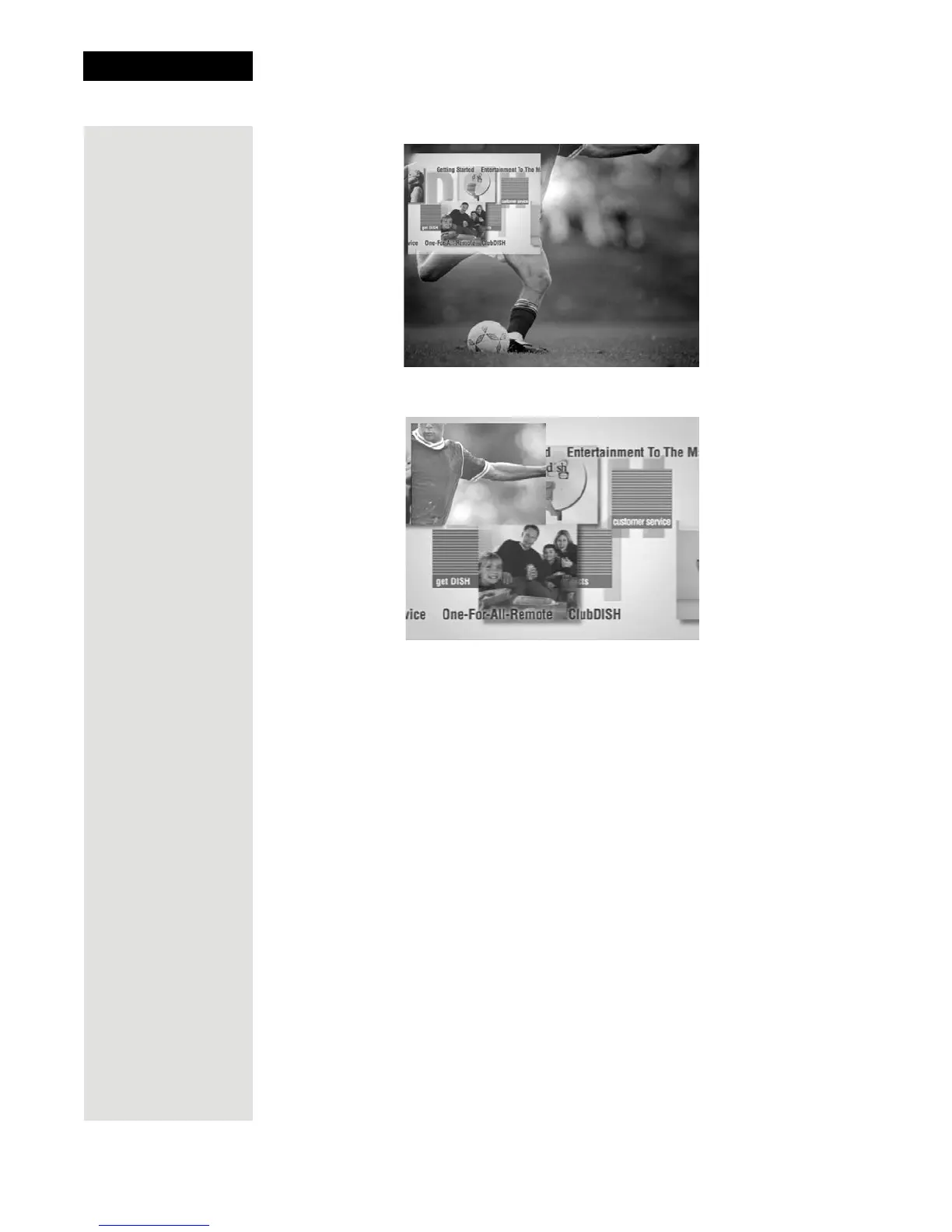
3. Press the SWAP button. The channel that was shown in the PIP window
will now be shown on the full screen.
4. Press the PIP button again to enlarge the
PIP window.
5. Press the PIP button once more to close the
PIP window.
Using Shared View
Shared View is a feature of Single Mode that lets you activate the TV2 audio
and video outputs to display the same programming as the TV1 outputs. While
using this feature, both the green 1 and blue 2 remotes for your satellite receiver
can control what is displayed on all TVs connected to the system. The following
instructions describe how to enable
Shared View:
1. Make sure the receiver is in Single Mode. The SINGLE front panel
indicator should be lit. If not, press the MODE button the receiver front
panel.
2. Press MENU-6-2 to open the
Shared View screen. This Screen is
applicable for
Single Mode only.













 To Next Page