Page 49
Using Single and Dual Modes
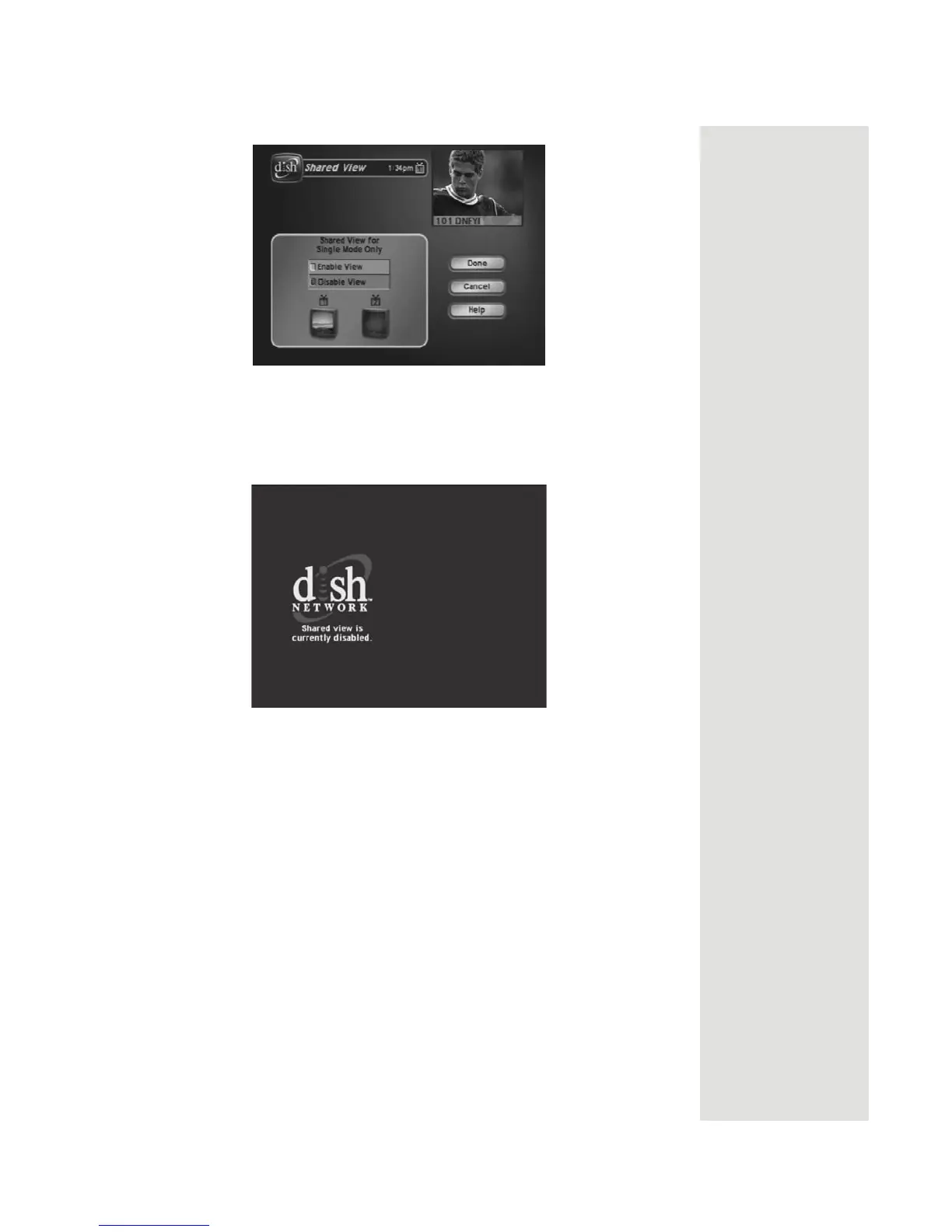
3. Select Enable View.
Note: If you do not want to display programming on any other TV besides
TV1 and you do not want Remote Control 2 to control the receiver, select
Disable View. The following screen is displayed on remote TVs when
Shared View is disabled:
4. Select Done. All of the TVs connected to the satellite receiver are
displaying the same program.
Dual Mode
Dual Mode uses TV1 outputs to deliver programming to the nearby TV and
TV2 outputs to deliver programming to the remote TV(s). You can tell your
receiver is in
Dual Mode because the DUAL front panel indicator will light and
the menu and other screens will display the following information:













 To Next Page