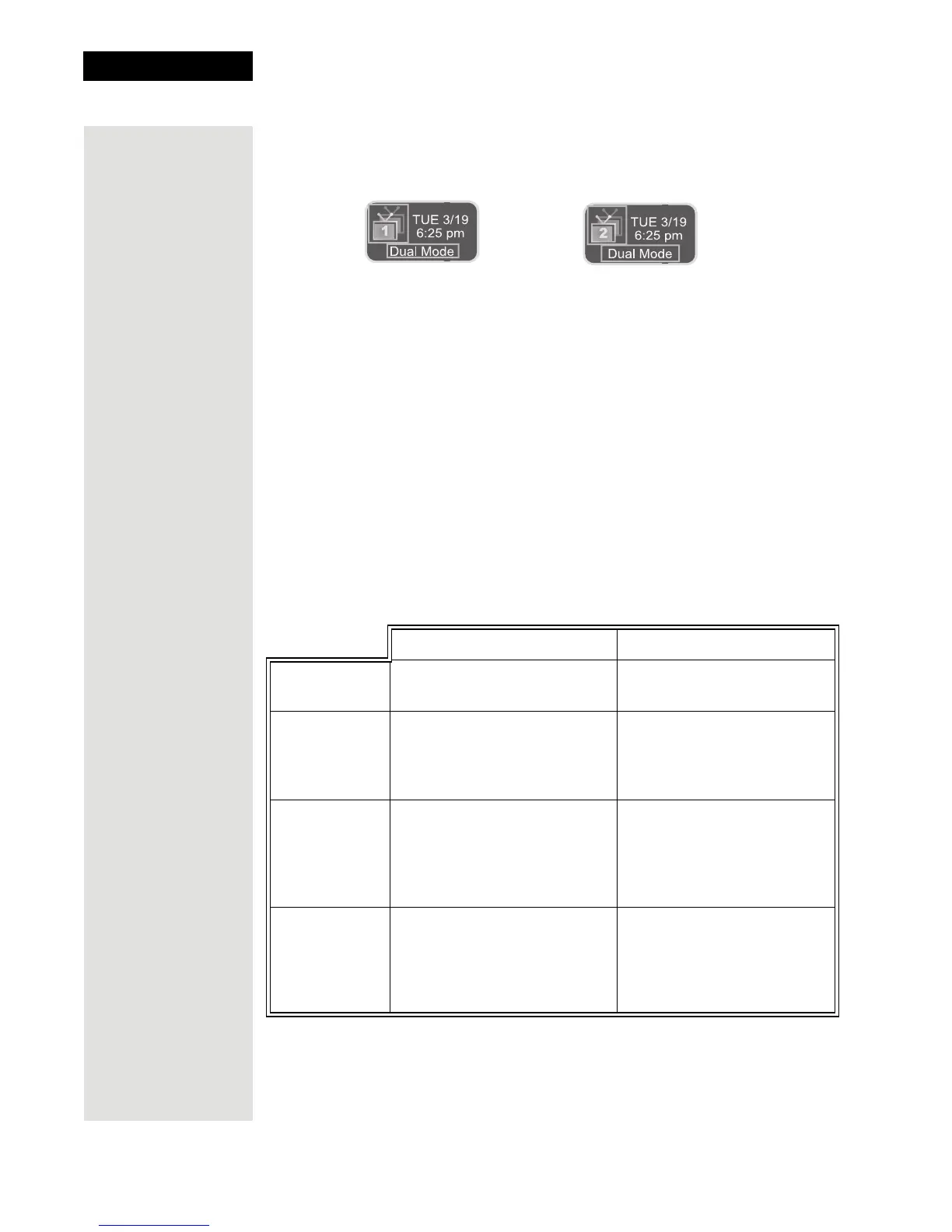
TV1 and Dual Mode TV2 and Dual Mode
Tip: You can use
the Front Panel
Locks to prevent
the Mode from
being changed
accidentally. See
page 96 for
instructions.
Chapter 3
Page 50
Using the System
Dual Mode allows you to watch different programs in two locations:
• Nearby TV—Programming from the receiver is delivered to the TV near the
receiver using short audio/video cables.
• Remote TV—Programming from the receiver is delivered to a TV located
in another room using existing in-home coaxial cable.
Switching Between Single and Dual Mode
Put the satellite receiver in Single or Dual Mode by pressing the front panel
Mode button. Keep the following items in mind when switching the satellite
receiver between
Single and Dual Mode:
Single Mode Dual Mode
Mode
SINGLE MODE front panel
indicator lights.
DUAL MODE front panel
indicator lights.
Recording
The TV1 RECORDING
front panel indicator lights
when you are recording
from one or both tuners.
The RECORDING front
panel indicator lights to
show which TV is currently
recording.
Favorites
Lists
Favorites Lists set up for
only
TV1 are available. The
lists for
TV2 are not lost,
they are simply unavailable
in
Single Mode.
Favorites Lists set up for
both outputs (
TV1 and TV2)
are available.
Locks
Locks set up for only TV1
are available. The locks for
TV2 are not lost, they are
simply unavailable in
Single
Mode.
Locks set up for both
outputs (
TV1 and TV2) are
available.













 To Next Page