Chapter 3
Page 68
Using the System
Using Quick Record
You can use quick record to very quickly set a one-time, one-program DVR
Event Timer.
1. Select a program you want to watch.
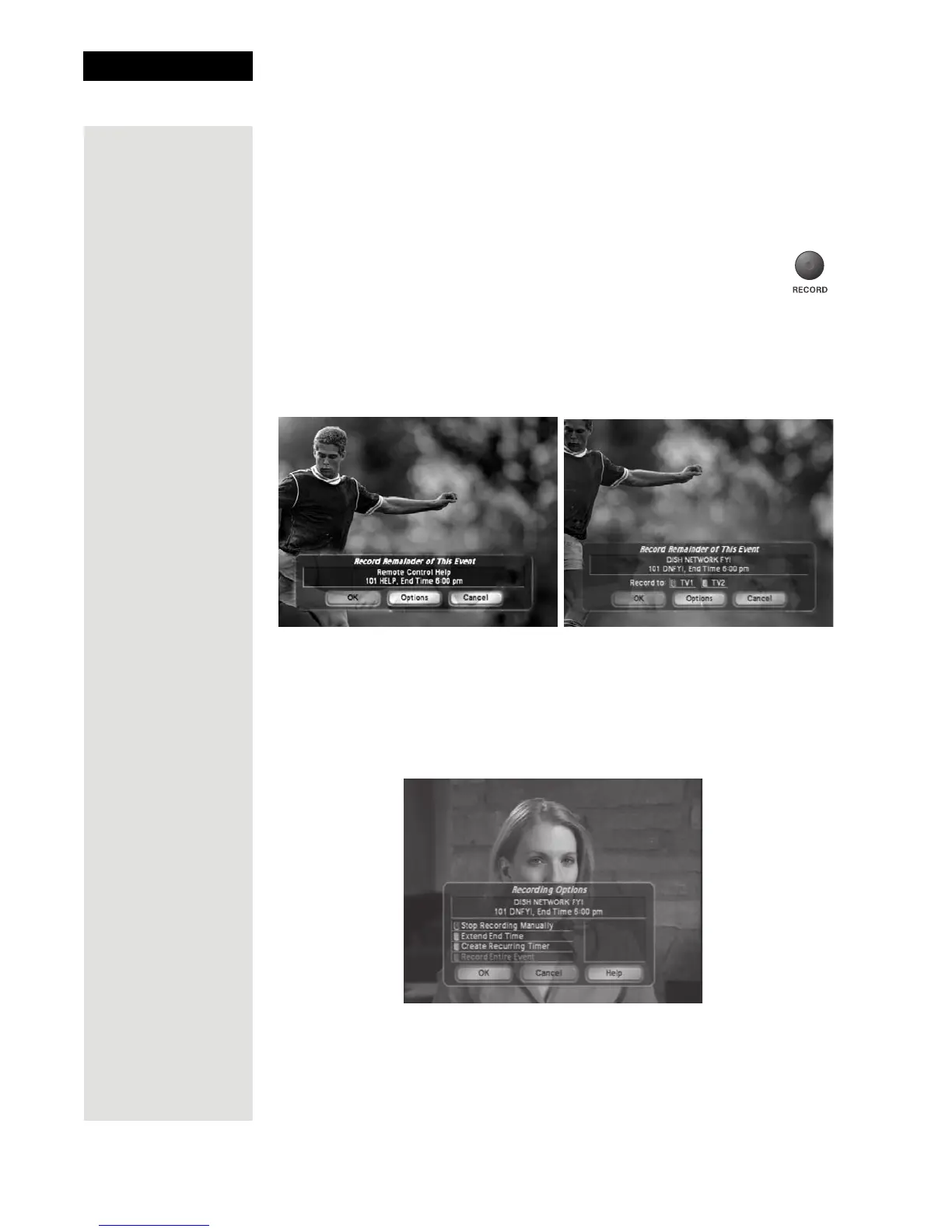
2. Press the RECORD button. One of the two figures below will
display.
• If you are in Single Mode or if you have Record Plus
disabled (see page 75) the figure below left will display.
• If you have
Record Plus enabled (see page 75) the figure shown below
right will display. Select either
TV1 or TV2.
3. When the Record Remainder of This Event screen displays, do one of the
following:
• Select
OK to start the recording now.
• Select
Options to customize the Quick Recording features.
– Stop Recording Manually—The receiver will record until you
press STOP.
–
Extend End Time—You can set the stop time for the recording.













 To Next Page