Page 69
Using Timers
– Create a Recurring Timer—You can set up a timer like the one
described in Setting Up an Automatic Event Timer.
–
Record the Entire Event—The receiver stops recording at the end
of the event.
Setting Up an Automatic Event Timer
1. Select a future program using the Browse Banner,
Themes menu or the Program Guide.
2.
Tip: Remote
Control 1 is used to
control TV1 menus
on the nearby TV.
Remote Control 2
is used to control
TV2 menus on the
remote TV(s).
Tip: You can edit
and delete timers
from either TV
output.
Select a Timer Frequency option. Notice that a mark displays in the box.
3. Select a
Timer Type.
4. Select the
Create Timer option to save the event timer.
5. The
Program Guide displays which satellite receiver output is scheduled to
record the event.
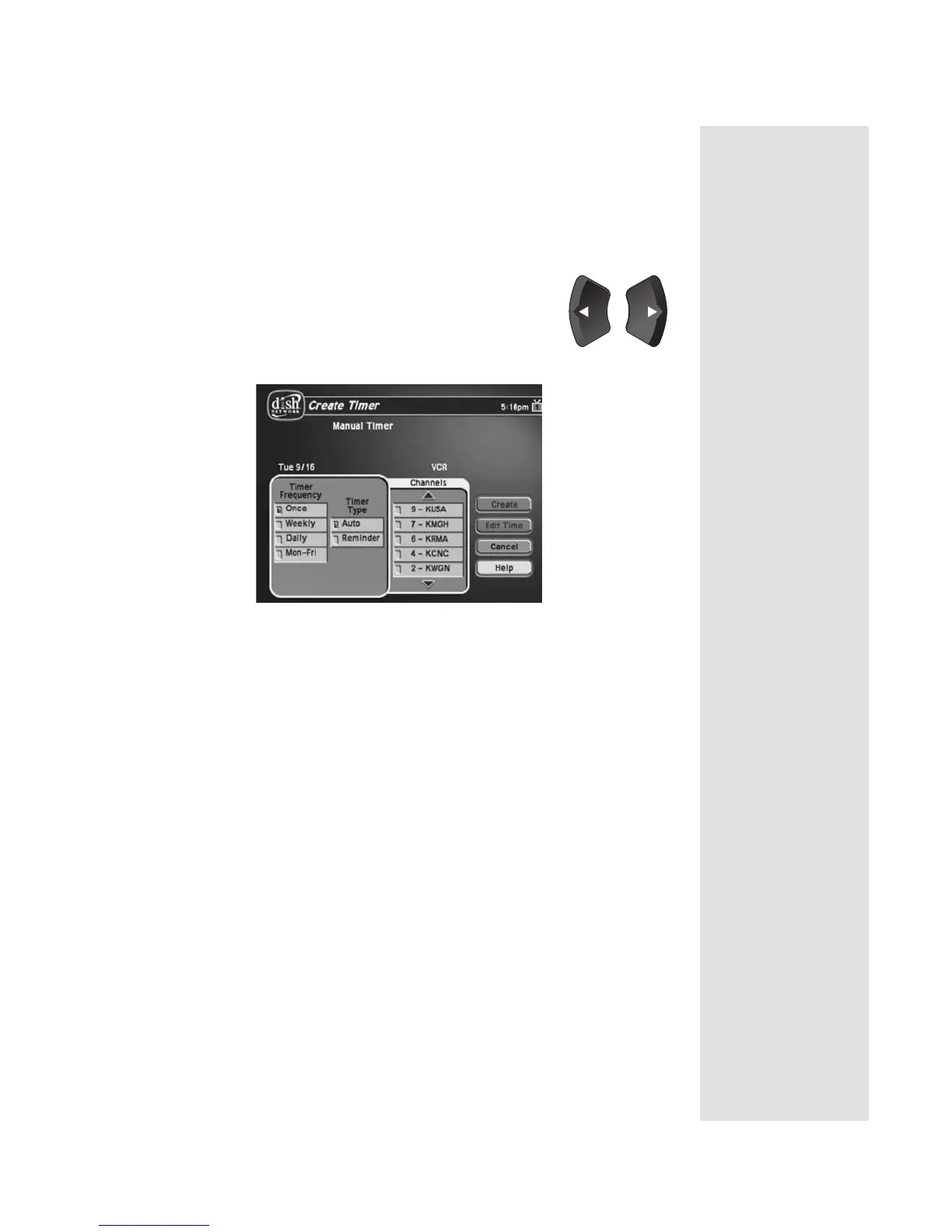
Setting Up a Manual Event Timer
1. Press the MENU button.
2. Select the
Timers option.
3. Select the Create option. The receiver displays the
Create a Manual Event
Timer menu.
4. Select a
Timer Type option.
5. Select a
Timer Frequency option.
6. Select a channel by doing one of the following:
• Highlight a channel using the UP or DOWN ARROW button.
Tip: Use the PAGE
UP
and PAGE
DOWN
buttons to
scroll quickly
through the
channel list.
Tip: You can edit
and delete timers
from either TV
output.
Then,
press the SELECT button.
• Enter a channel number using the NUMBER PAD buttons.













 To Next Page