Chapter 3
Page 70
Using the System
7. Select the Edit Time option. The receiver displays the Edit Time for
Manual Timer menu.
8. Use the NUMBER PAD buttons to enter the
Start Time (this includes
selecting AM or PM) and the
End Time, (this includes selecting AM or
PM).
9. Use the NUMBER PAD buttons to enter the
Date.
10. Select the
Create Timer option.
11. To create another event timer, do one of the following:
• Select the
Create option again.
• If you do not want to create another event timer, press the CANCEL
button.
Note: You cannot set a manual event timer for a pay per view event.
Overlapping Timers
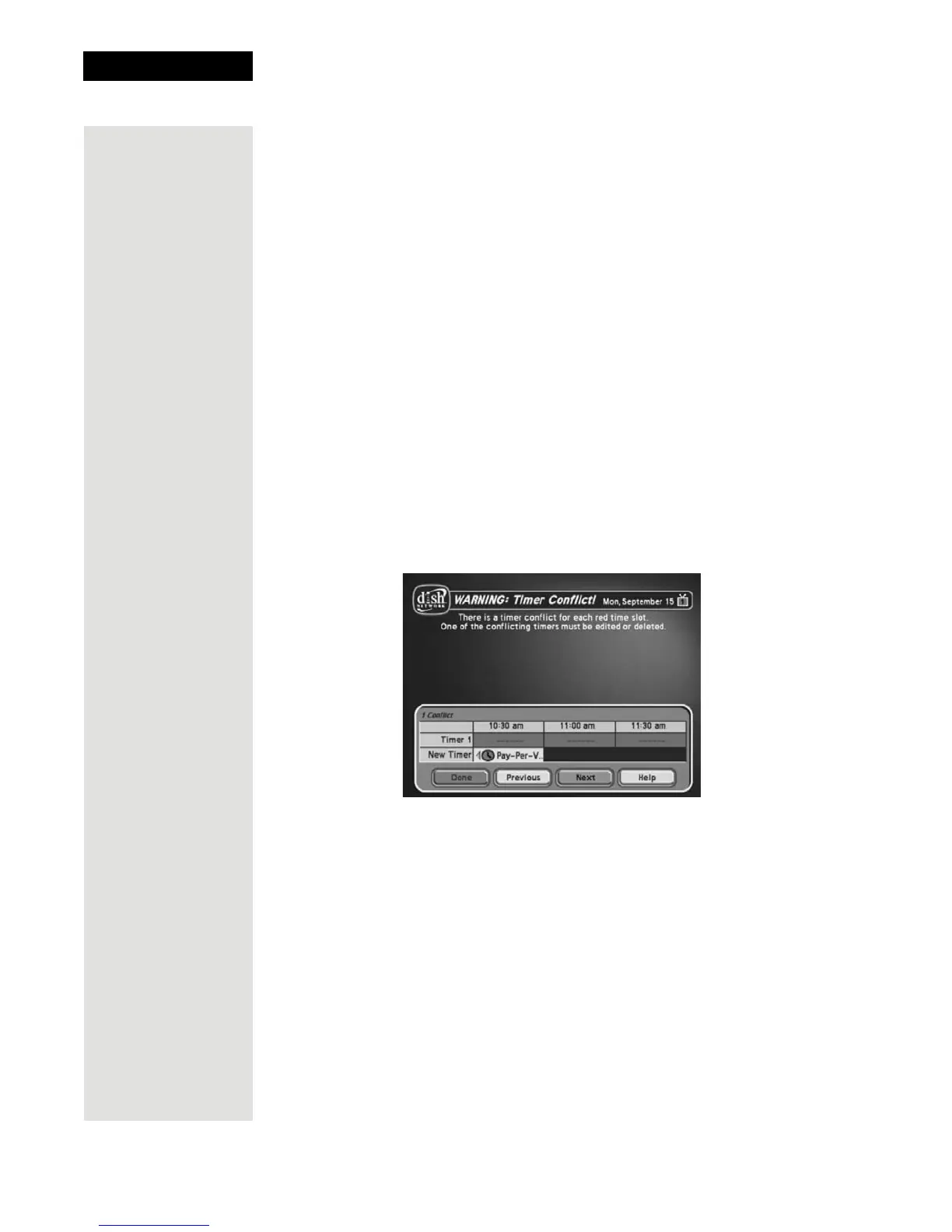
If you try to create event timers for overlapping programs, the receiver displays
a screen with the dates and times of both programs. The receiver also displays
this screen if a program time has changed, causing one timer to overlap another.
You must delete, edit, or skip one of the timers.













 To Next Page