28
IP2162EN
EN
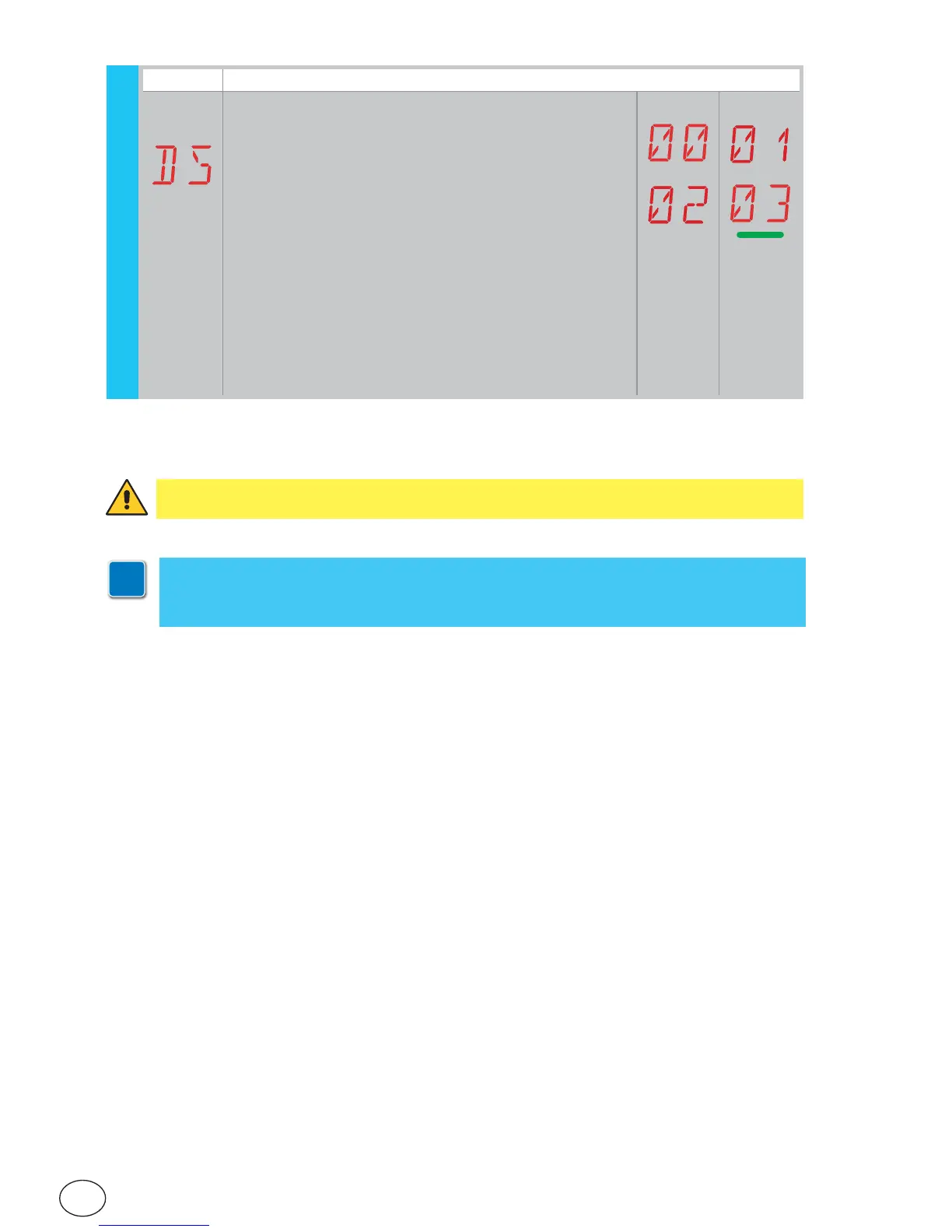
Display Description
DS - Setting of display visualisation mode.
00 - No display
01 - Commands and safety devices with radio test
(see paragraph 8.2).
Display of count down to automatic closing.
02 - Automation status (see paragraph 8.1)
03 - Commands and safety devices (see paragraph 8.2)
WARNING: depending on the type of automation and control panel, some menus may
not be available.
i
N.B.: make adjustments gradually and only after performing at least three complete
operations to allow the control panel to be set correctly and detect any friction during
operations.
AP - Advanced Parameters


 To Next Page