2 Using the Product
2.1 Charging
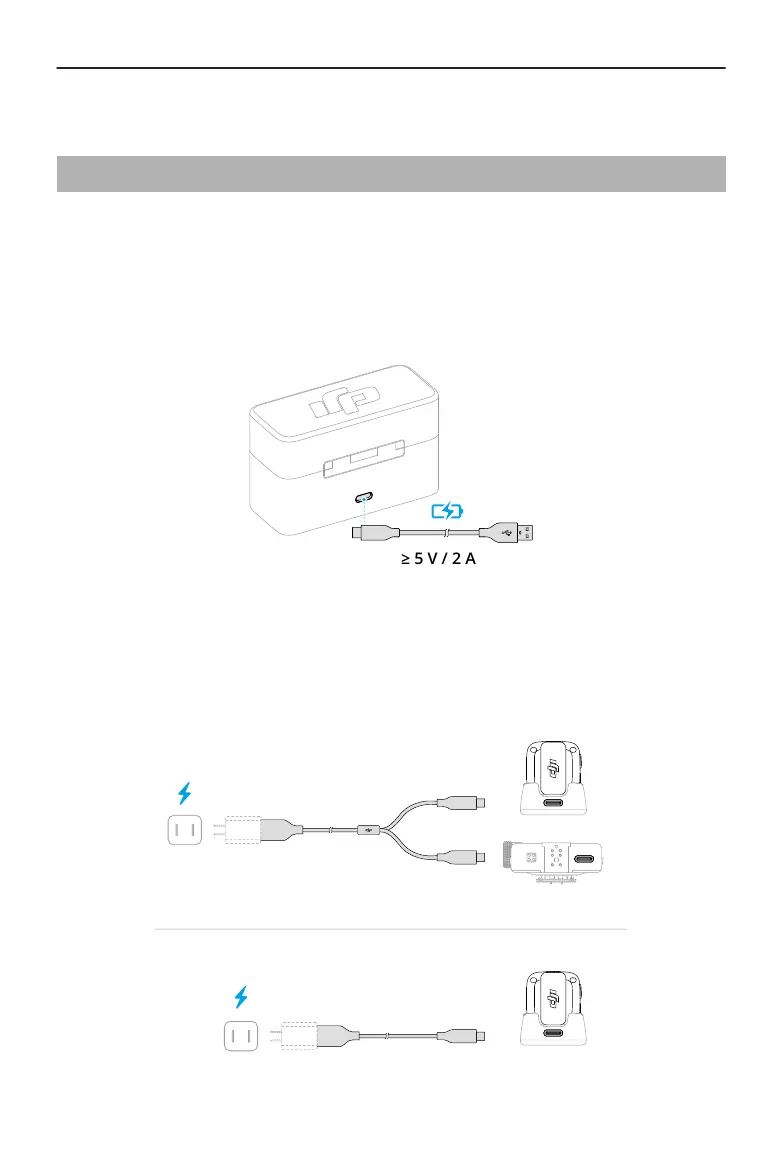
Charging with the Charging Case
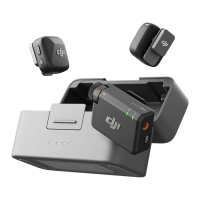
Place the transmitters and the receiver in the charging case to start charging
simultaneously. If the charging case runs out of power, use the provided USB-C cable to
charge the case. The transmitter and receiver will automatically power on once removed
from the charging case.
Charging with the Charging Dock
If the combo purchased does not include a charging case, attach the transmitter to the
charging dock and use the provided charging cable to charge the transmitter and receiver.
DJI Mic Mini User Manual
10 © 2024 DJI All Rights Reserved.


 To Next Page