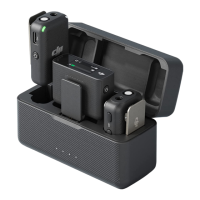
1. When the receiver is powered o, press and hold the power button for six seconds.
The system status LED on the receiver will blink green and then blink blue slowly,
indicating that the receiver is ready to be connected.
2. Open the DJI Mimo app to automatically search for nearby available devices. Tap
to connect once the receiver is discovered. After successful connection, the app will
automatically enter the device settings interface.
3.2 Updating Firmware
Tap About Devices on the device setting interface of the DJI Mimo app to view the device
name, SN code, and rmware version. Tap the rmware version to download and install
the latest version.
• When updating the rmware on an iOS device, disconnect the adapter and
then connect the transmitter and receiver to the DJI Mimo app via Bluetooth
separately.
3.3 Adjusting Parameters
In the device settings interface of the DJI Mimo app, you can view connected devices and
their battery status or adjust parameters.
• When the transmitter status LED is disabled, press any button can turn it on.
DJI Mic Mini User Manual
© 2024 DJI All Rights Reserved. 17


 To Next Page