00:05:20
1x
TX 2TX 2
TX 1TX 1
RXRX
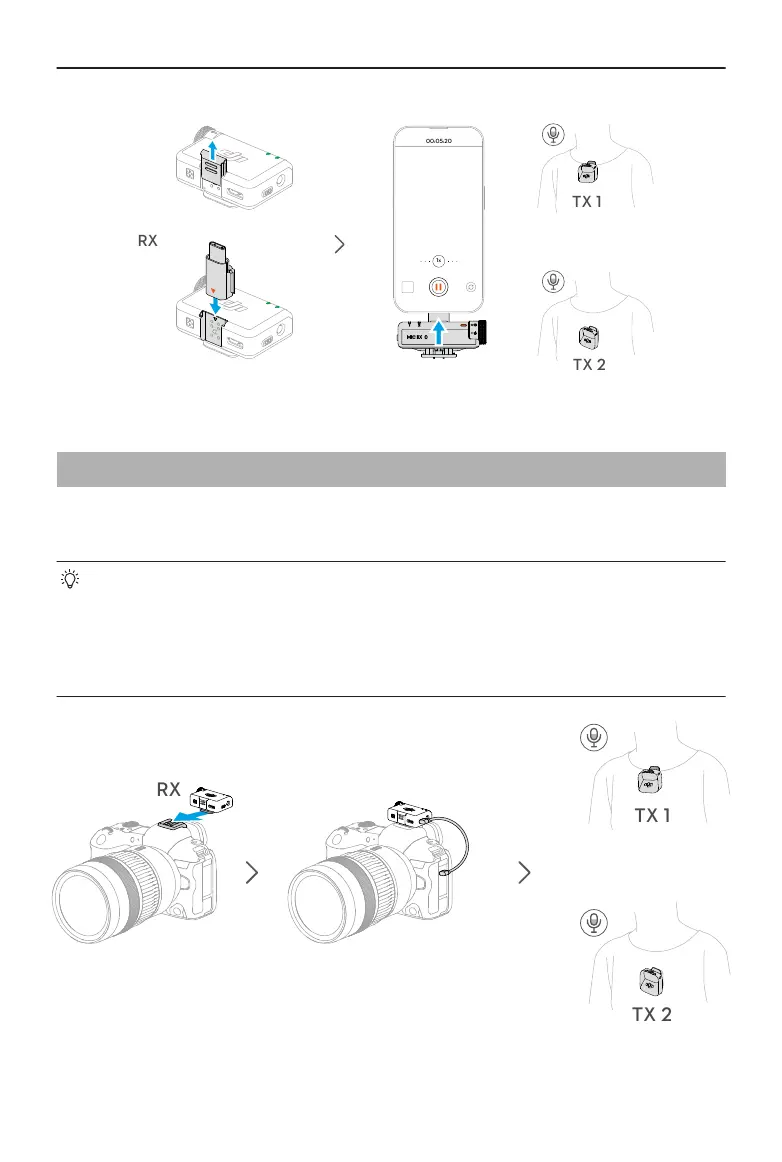
2.6 Using with a Camera
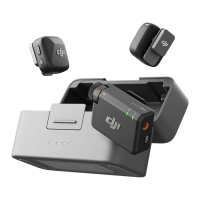
Mount the receiver to the camera using the clip and connect the audio cable. The
transmitter will then capture audio for the camera.
• After installation and connection, visit https://www.dji.com/mic-mini/downloads
and refer to the Instructions on Recommended Gain for Camera Setup to
reduce the camera gain in order to prevent audio clipping.
• After adjusting the camera gain, it is recommended to increase the gain of the
receiver for better audio quality.
DJI Mic Mini User Manual
© 2024 DJI All Rights Reserved. 13


 To Next Page