Solid yellow Firmware updating
* The color of the light depends on the working mode. Take the green light as an
example.
2. Linking Button
Press and hold for two seconds to start linking. After connecting the microphone to
DJI lming device, press to start or stop recording videos.
3. Power Button
Press and hold for two seconds to power on or o. Press to enable or disable noise
cancelling.
4. Noise Cancellation LED
Solid yellow: Noise cancelling enabled
LED o: Noise cancelling disabled
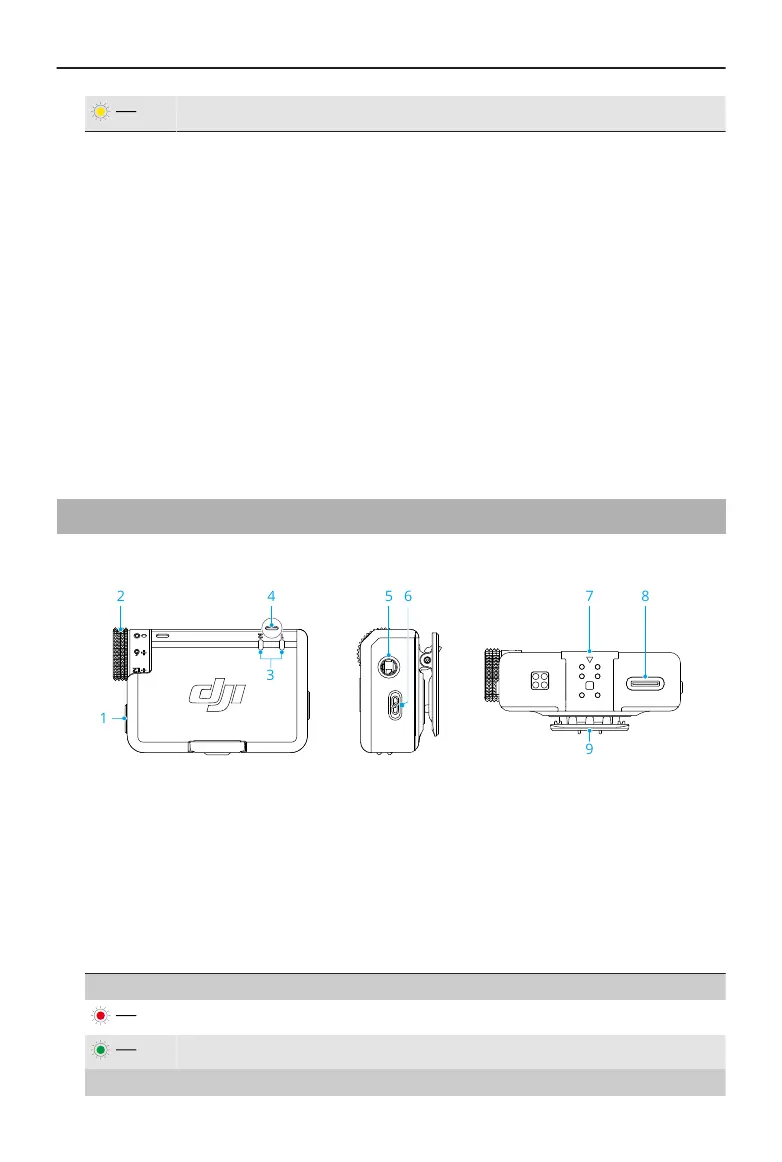
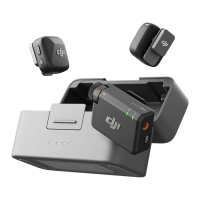
1.2 Receiver
1. Power Button
Press and hold for two seconds to power on or o.
2. Dial
Rotate to adjust the gain of the receiver.
3. Transmitter Status LED
Battery Level
Solid red 0-10%
Solid green > 10%
Status
DJI Mic Mini User Manual
6 © 2024 DJI All Rights Reserved.


 To Next Page