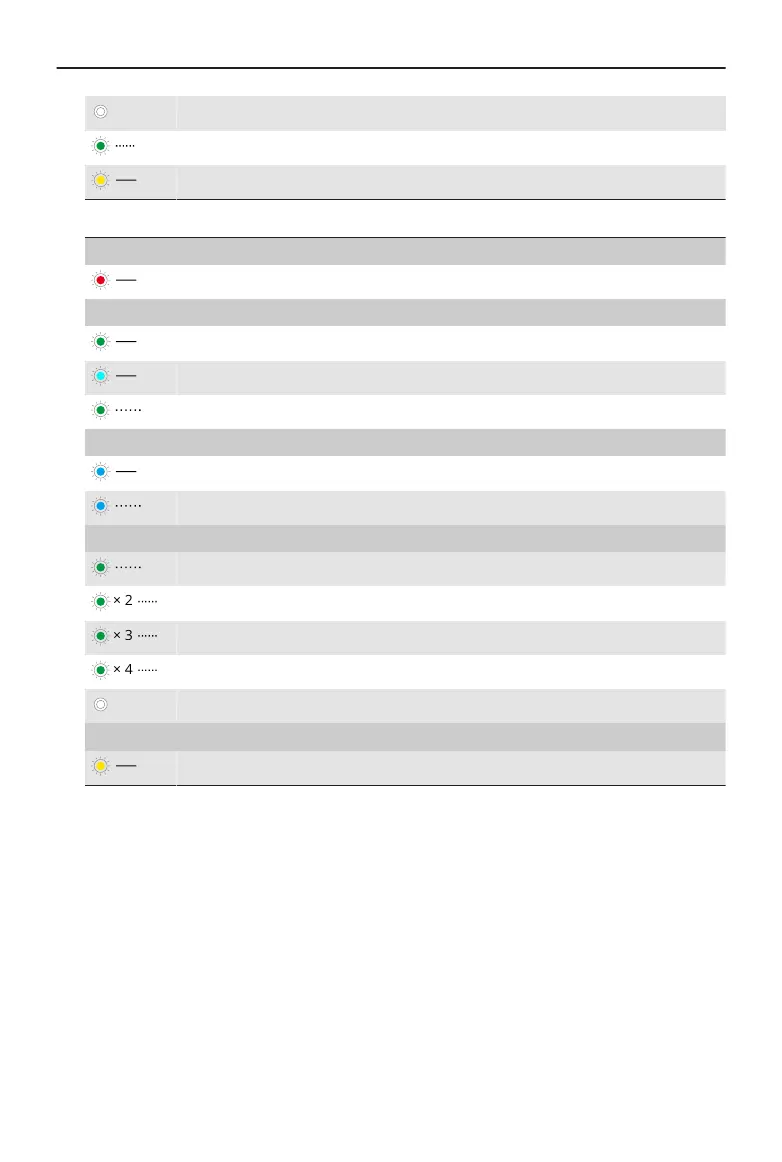
O Not linked with the receiver
Blinks green quickly Linking
Solid yellow Noise cancelling enabled
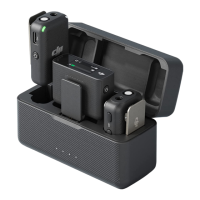
4. Receiver Status LED
Battery Level
Solid red 0-10%
Channel
Solid green Mono/Safety Track
Solid cyan Stereo
Blinks green/cyan slowly
*
No audio recording device linked
Bluetooth Link Status
Solid blue Linked with a Bluetooth device
Blinks blue slowly No Bluetooth device linked
Battery Level During Charging
**
Blinks green/blue slowly 0-25%
Blinks green/blue twice 26-50%
Blinks green/blue three times 51-75%
Blinks green/blue four times 76-100%
O Fully charged
Firmware Update
Solid yellow Firmware updating
* The color of the light depends on the current channel used. Take the green light as
an example.
** The color of the light depends on the working mode. Take the green light as an
example.
5. 3.5mm Audio Output Jack
For audio output to a camera.
6. Linking Button
Press and hold for two seconds to start linking. Press twice to switch between Mono
and Stereo.
7. Expansion Port
Used for connecting to the phone adapter.
DJI Mic Mini User Manual
© 2024 DJI All Rights Reserved. 7


 To Next Page