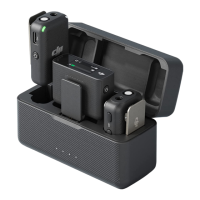
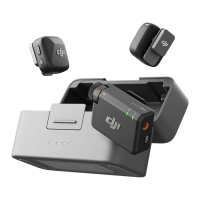
2. Enable Bluetooth on the phone and select DJI Mic Mini-XXXXXX among the searched
Bluetooth devices to connect. Connection is successful when the status LED on the
transmitter is in solid blue.
The transmitter will then function as an audio input device and can be used with third-
party recording or live streaming applications.
Connecting to DJI Filming Devices
Enter the system settings interface of your DJI lming device. Tap Wireless Microphone
and follow the on-screen instructions to complete the connection. Connection is
successful when the status LED on the transmitter is on solid blue.
Press the linking button on the transmitter to start and stop recording on the lming
device. Tap Wireless Microphone to congure audio-related settings for the transmitter.
DJI Mic Mini User Manual
© 2024 DJI All Rights Reserved. 15


 To Next Page