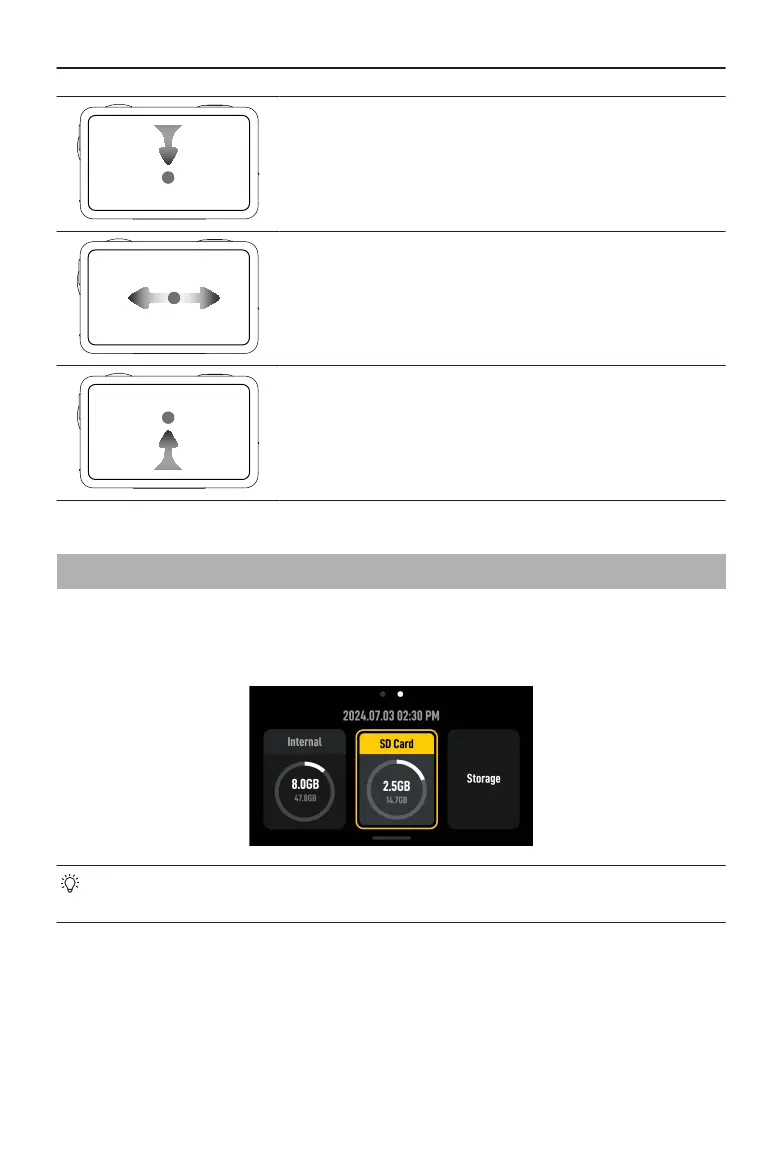
Swipe Down from the top of the Screen
Enters the control menu.
Swipe Left or Right
Switches between video, photo, and other shooting
modes.
Swipe Up from the Bottom of the Screen
To set shooting parameters such as aspect ratio, count-
down time, and resolution.
3.3 Storing Photos and Videos
Swipe down from the top of the screen, and then swipe left to check the storage
information. With a microSD card inserted, all the images can be stored to the microSD
card. Tap Storage to format the internal storage or the microSD card.
• Formatting will permanently delete all data. Make sure to back up all required
data before formatting.
Osmo Action 5 Pro User Manual
18 © 2024 DJI All Rights Reserved.



 To Next Page