78
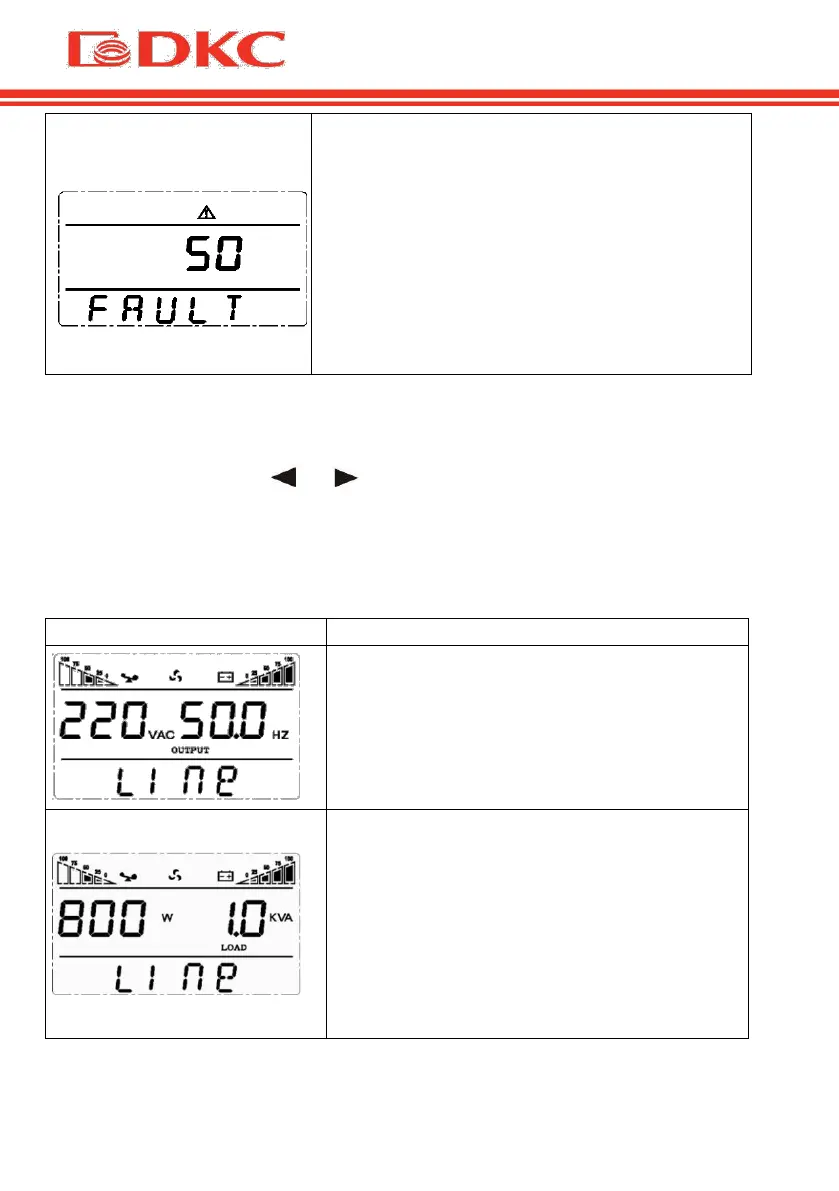
When UPS has a failure, the buzzer beeps and
the UPS turns to fault mode. UPS cuts off the
output and LCD displays fault codes. At the
moment, users can press the mute key to
make the buzzer stop beeping temporarily to
wait for maintenance. Users can also press the
OFF key to shut down the UPS when confirm
that there is no serious fault.
Table 10. Operation mode on the display
5.5 Parameters inquiring operation
Press the inquiring key or for more than half a second (less than 2
seconds) to inquire parameters. The inquired items include Input, Battery,
Output, Load and Temperature. The displayed items on LCD screen are shown
as following:
Output:Display the output voltage and
output frequency of the UPS. As the
following graphic shows, the output voltage
is 220V, the output frequency is 50Hz.
Load: Display the numerical value of the
active power (WATT) and apparent power
(VA) of the load. For example, as the
following graphics shows, the WATT of the
load is 800W, VA is 1.0KVA (when
disconnect loads, it is a normal phenomenon
to show a small numerical value of WATT
and VA).


 To Next Page