80
5.6 UPS Settings
To configure the parameters of the UPS using the function buttons you need to
read the instructions below:
Enter Setup interface. Press and hold the function setting key for more
than 2 seconds, then come to Setup interface, press and hold the inquiring
key ( , ) for more than half a second (less than 2 seconds), select the
function setting, choose the setup interface (during the operation the letters
flash).
Set the numerical values of parameters. Press and hold the function setting
key for more than half a second (less than 2 seconds), then come to the
setup interface (during the operation the letters stop flashing, but the
numerical values start to flash). Press and hold the inquiring key ( , )
for more than half a second (less than 2 seconds), select the numerical value
in accordance with the function.
Confirm the chosen number. After selecting numerical value, press and hold
the function setting for more than half a second (less than 2 seconds).
Now, the setting function is completed and the numerical value illuminates
without flashing.
Exit from the setup interface. Press and hold function setting key for
more than half a second (less than 2 seconds), exit from the setup interface
and return to the main interface.
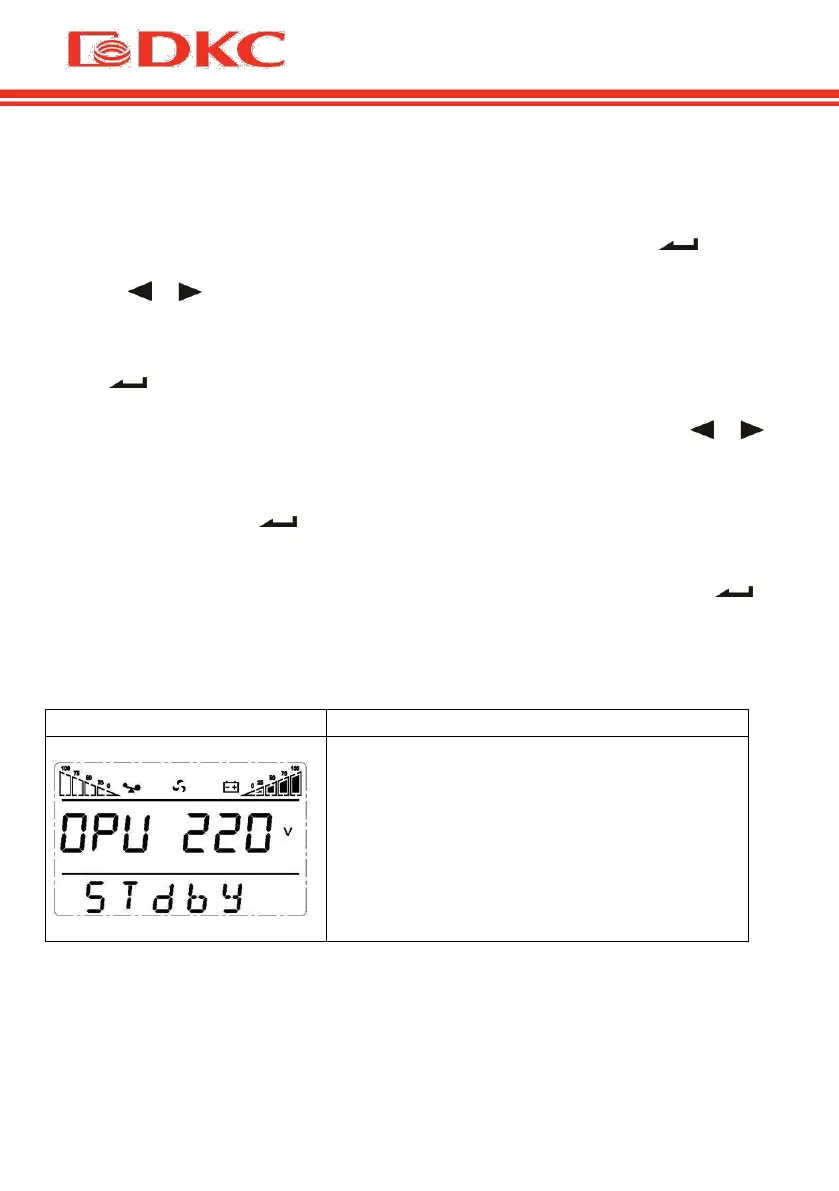
Output voltage setting
User may choose the following output
voltage:
208 Vac
220 Vac
230 Vac (по умолчанию)
240 Vac


 To Next Page