1802-065-A-8-06
Page 15
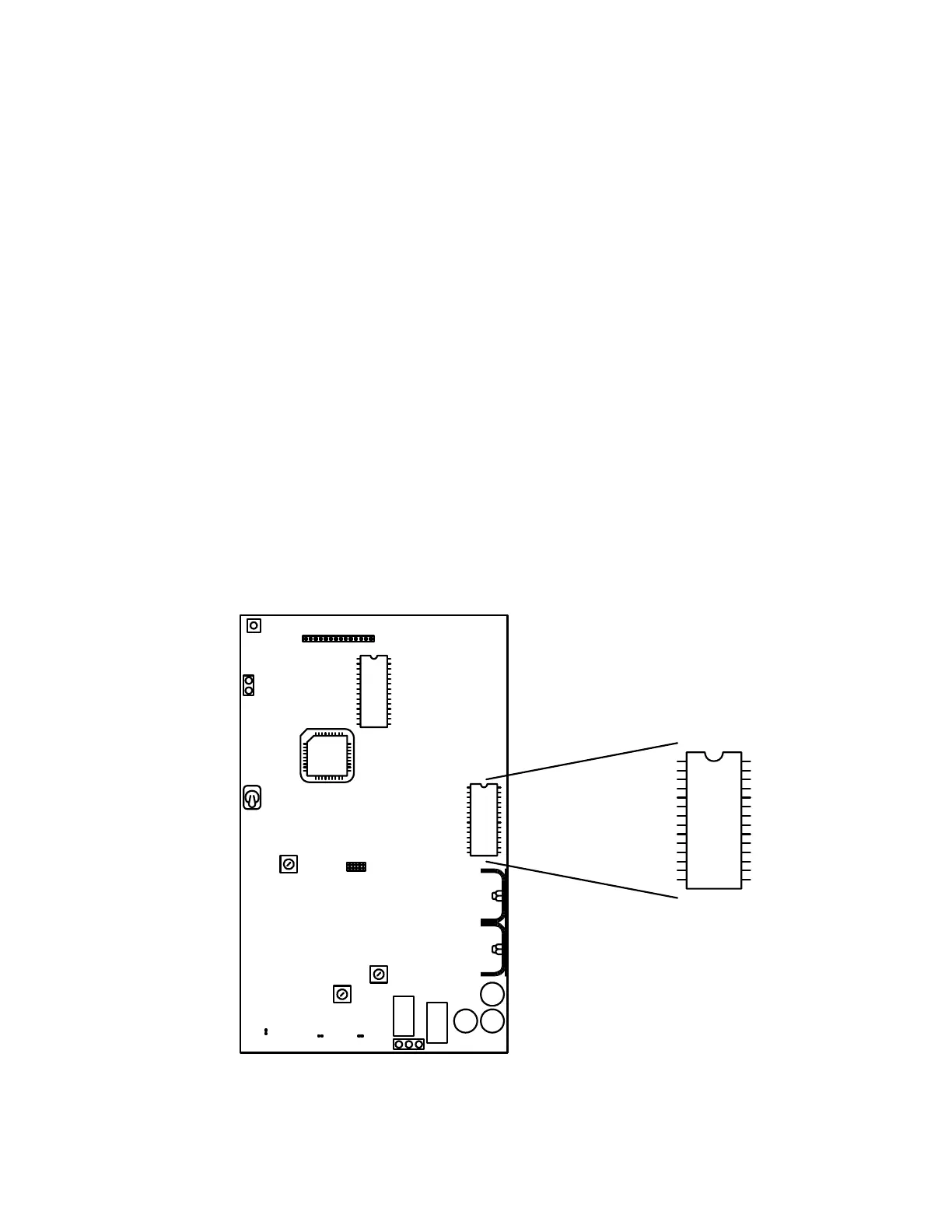
1.5 Memory Chip Installation
The telephone entry system is shipped with a memory chip packaged in a separate box inside the
shipping container. The memory chip must be installed for the telephone entry system to operate.
Note: This section does not apply to the 1802-EPD model, which is shipped with the memory
chip installed.
CAUTION!! Do not install the memory chip with power to the telephone entry system turned
on. Attempting to install the memory chip with power on will irrevocably damage the chip.
CAUTION!! The memory chip is a static sensitive component. Discharge any static electricity
from your hands by touching a proper ground device before removing the control board.
Handle the memory chip with care.
1. The large memory chip socket is colored blue and is located on the right hand side of the
circuit board. Be sure that the handle is in the un-locked position (towards the left). Be
sure that power to the telephone entry system is off.
2. Carefully insert the memory chip into the socket. The small half circular indentation on
the chip must be at the top. CAUTION: Installing the memory chip upside down will
cause permanent damage to the chip. Be sure that the memory chip is seated correctly
in the socket.
3. Move the lever on the chip socket to the locked position (towards the right).



 To Next Page