8
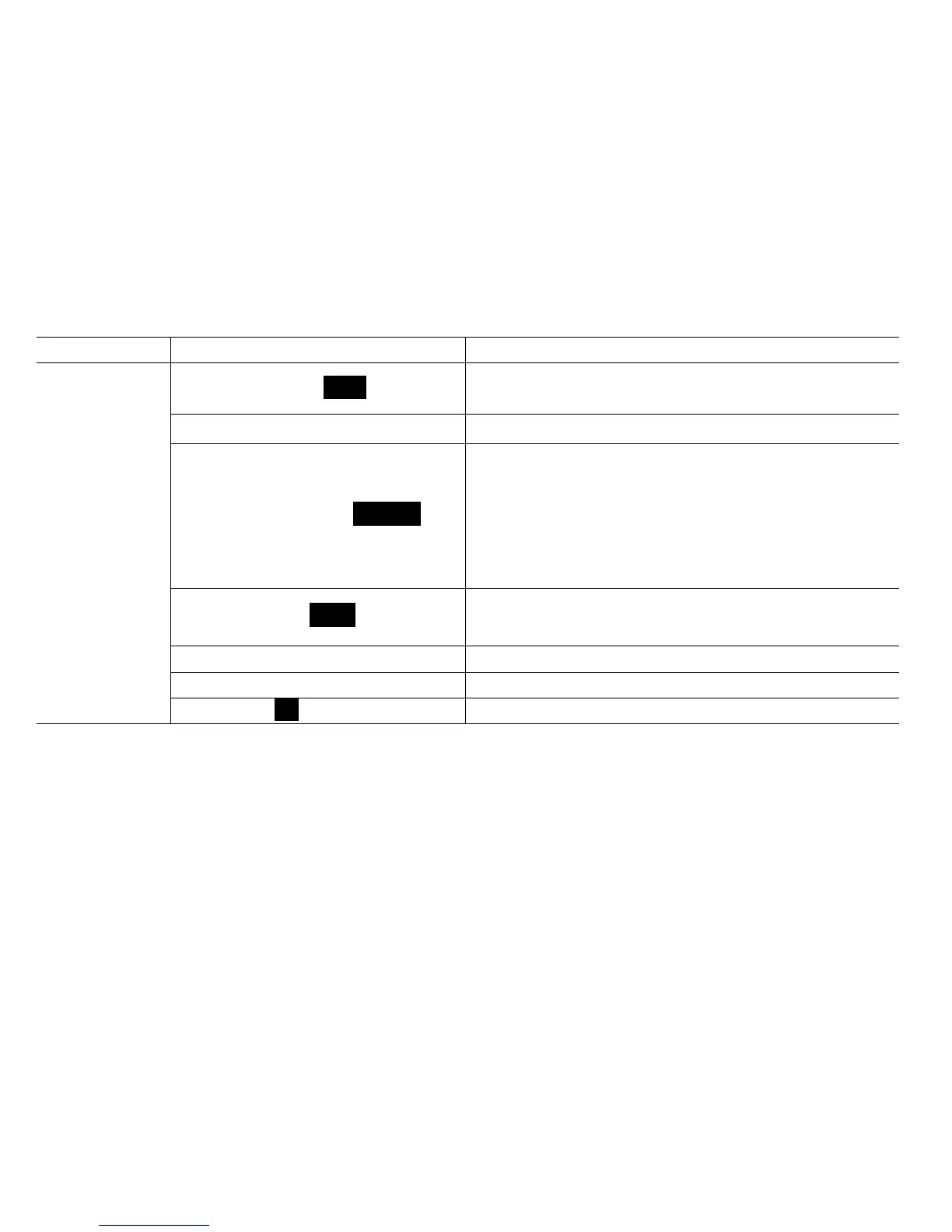
Items Default settings
LED digital
Speed control button Speed
Set stirring speed, press the button to start/stop stirring
function.
LED display LED displays speed value and warning code.
Overload protection light Overload
LED display light.
LED light shows red when starts overload protection. When
the torque reaches limited value, overload protection function
will be started. At the same time overload protection light
flashes, while the system stops running.
Power switch light Power
LED display light.
LED light shows green when switch on.
Drill chuck Can be held stirring impellers.
Push-through agitator shaft If needed, shaft can push-through agitator.
Power switch I/O Switch ON or OFF the instrument.



 To Next Page