ORIENTATION 1
AIR 2
HARDWARE 3
SOFTWarE 4
MAINTENANCE 5
ADV. MAINTENANCE 6
GamE
TImEr
ENaBLE
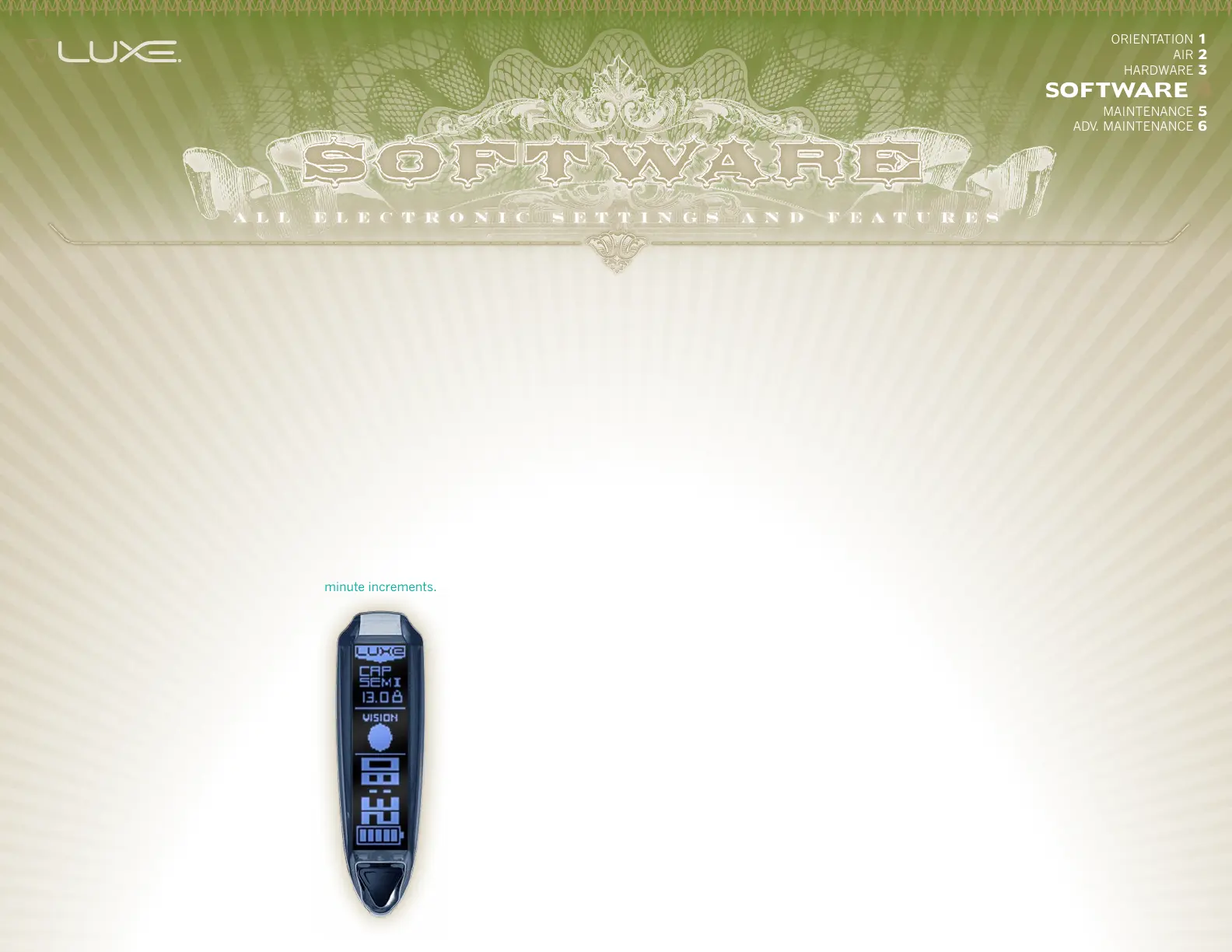
The Luxe® is equipped with a
count-down timer. When Game
Timer Enable is turned on, the
Luxe® switches to an alternate
display layout,showing the remaining
game time. The game timer begins
counting down after a single short
press of the power button.
GamE
TImEr
The Game Timer may be set
between 1 and 60 minutes, in 1
minute increments.
VISION mODE
The Vision anti-chop system in the
Luxe® may be programmed to
operate with one of two strategies.
Vision® will stop the Luxe from
firing if there is not a ball detected
in the breech when the trigger
is pulled. Forced Shot will still
provide Vision operation during
normal trigger pulls. If the trigger
is held down for a long trigger pull,
Forced Shot Vision® will fire even
if a paintball is not detected in the
breech.
TrIGGEr
DEBOUNCE
When the Luxe® trigger switch is
activated, it will create a series of
very fast electrical pulses before a
complete connection is made. The
Luxe® firmware uses the Trigger
Debounce setting to determine
the difference between this switch
noise and the solid signal from
a completed trigger pull. Trigger
signals which last longer than
the Trigger Debounce value are
considered to be a valid trigger
pull. The Trigger Debounce value
is adjustable between 1 and 25
milliseconds in 1 millisecond
increments. The default value is 7
milliseconds.
TOUrNamENT
LOCk
When turned on, the Tournament
Lock blocks access to the Main
Menu via the power button and
trigger, requiring use of a tool to
open the rubber grip and make
adjustments (See 4.3 ADDITIONAL
POWER BUTTON FEATURES
). The
Tournament Lock is off by default.
Because the Tournament Lock
may be turned on by the trigger
and power button, it is convenient
to unlock the Luxe® at a paintball
field's staging area, close its
grip, make adjustments at the
chrono station with trigger based
programming, and then lock the
marker with the Tournament Lock
before heading on to the field.
FIrST SHOT
DrOP TImEr
This setting adjusts the amount of
time which the Luxe® must be at
rest between shots before activating
the anti-bolt-stick dwell increase.
Time is adjustable between 20
and 100 seconds in 20 second
increments. The default setting is 20
seconds.
SHOTS
TO ENTEr
Shots To Enter determines the
number of trigger pulls that must
be made at the Shots To Sustain rate
in order to activate Rebound mode
and deliver more than one shot per
trigger pull. Shots To Enter may
be adjusted from 1 to 5 and has a
default value of 3.
SHOTS TO
SUSTaIN
The trigger must be pulled repeatedly
at this rate for the Shots To Enter
number of times to activate Rebound
mode, and must continue to be
pulled at this rate to keep Rebound
mode active. This setting is
adjustable between 2 and 10 balls
per second and has a default value
of 5 BPS.
LOaDEr
D E L aY
The loader delay allows time for the
paintball to seat fully in the breech,
after the Vision system has detected
it, before the Luxe fires. For forced
feed loaders, less time is necessary
than with gravity fed loaders. The
loader delay is adjustable between
0 and 15 milliseconds with a default
setting of 3.


 To Next Page