eBox-3300
8
BIOS
RECONFIGURING eBox-3300
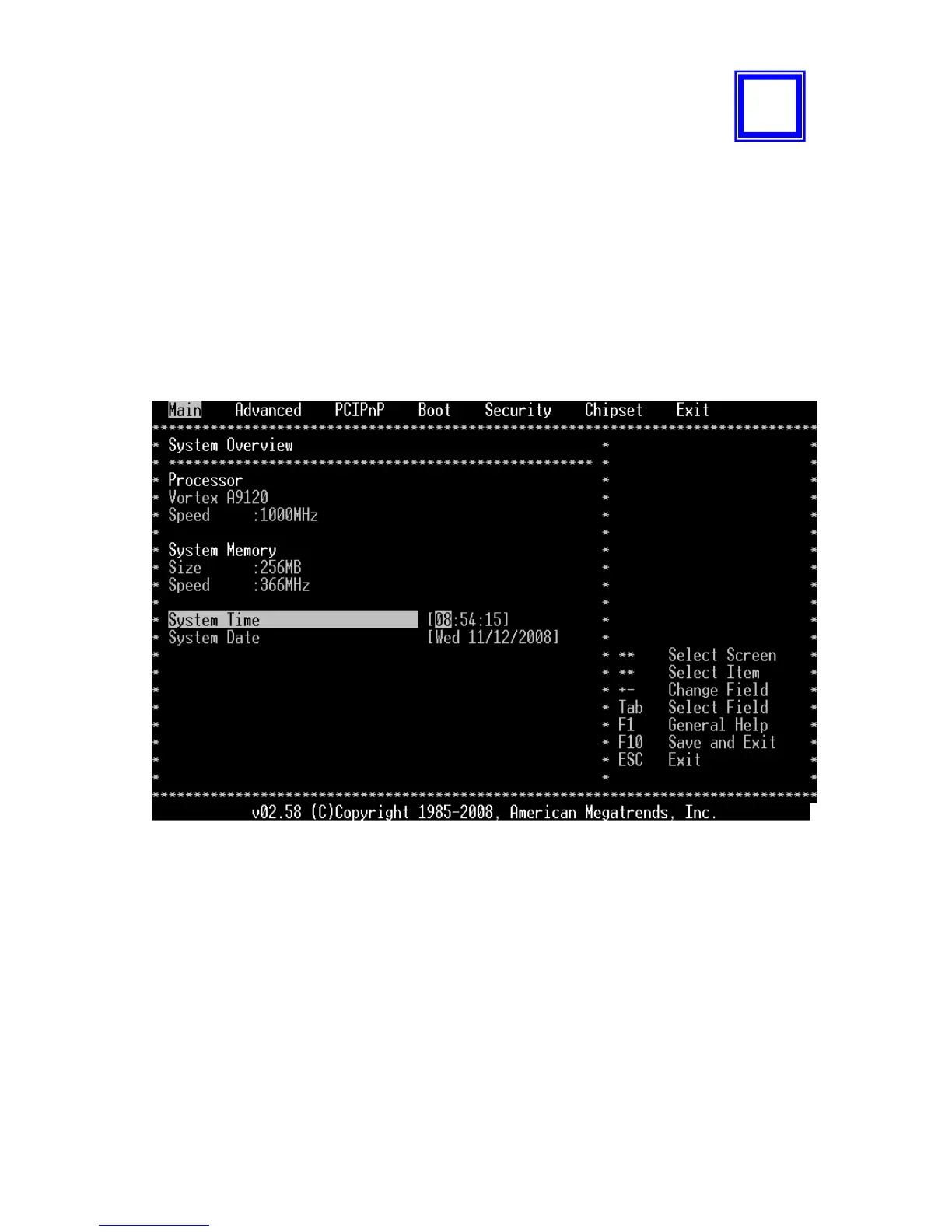
1. Take note that AMI BIOS is used in the eBox-3300. To reconfigure the eBox-
3300, depress or hit the <Del> key to enter your BIOS setup main menu.
2. Select from the menu, the desired setup for change.
3. Press <Esc> to go back to main menu.
4. Move “Exit” TAB and select “Save Settings and Exit”, press “Y” to save the
changes that you just made. eBox-3300 will restart accordingly to your new
setup.
(AMI BIOS Setup menu)
5


 To Next Page