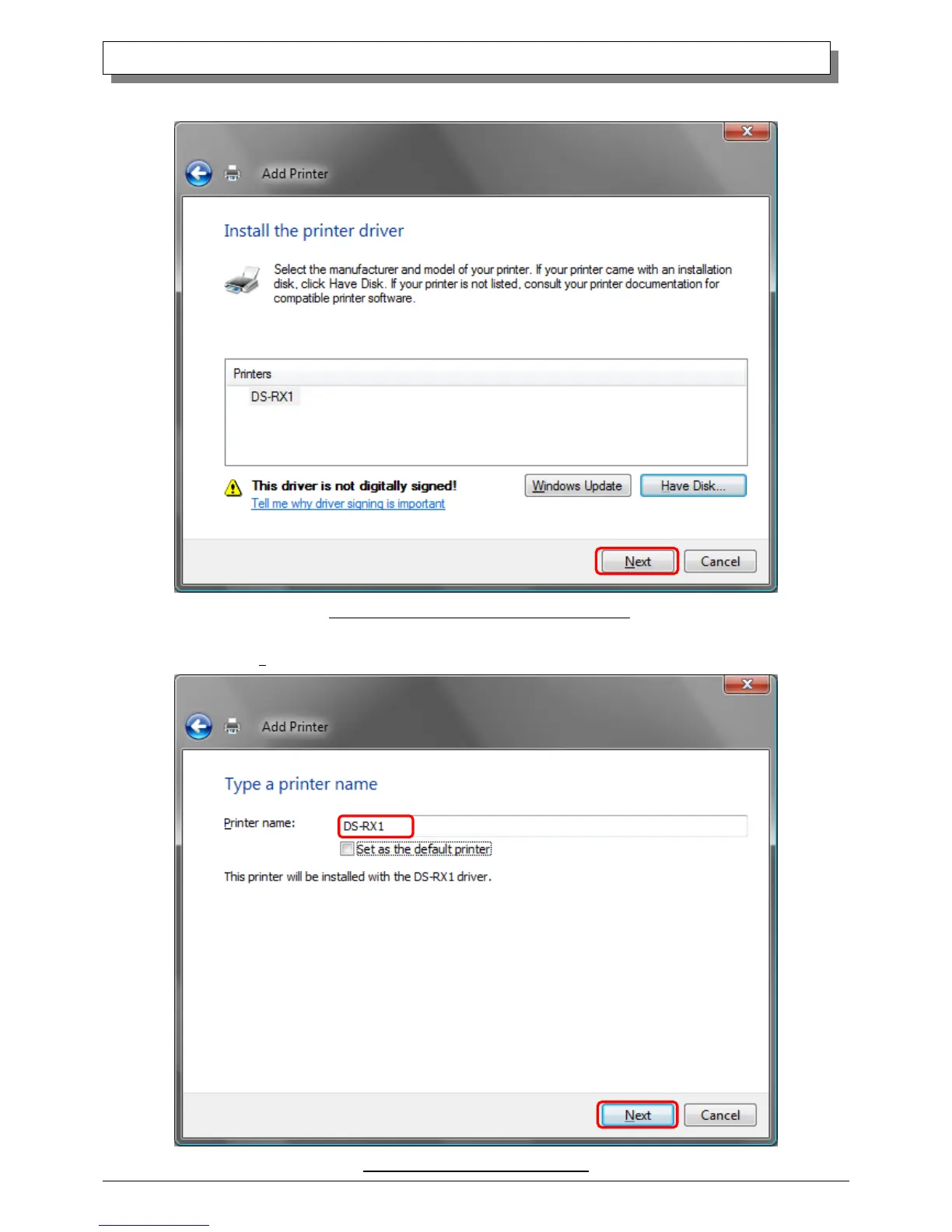
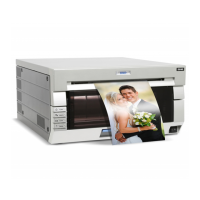
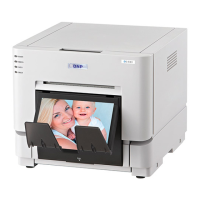
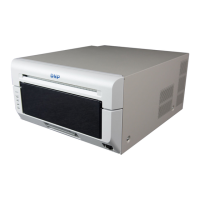
In the “Install the printer driver” window, check that “DS-RX1” is displayed, and click the “Next” button.
Fig 1.15 DS-RX1 Install the printer driver window
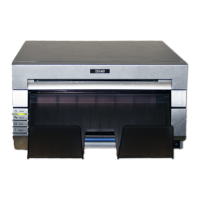
When the “Type a printer name” window appears, you can set the printer name. Also, to set it as the printer usually used, select the
check box for “Set as the default printer”, and click the “Next” button.
Fig 1.16 Type a printer name window


 To Next Page