46 47
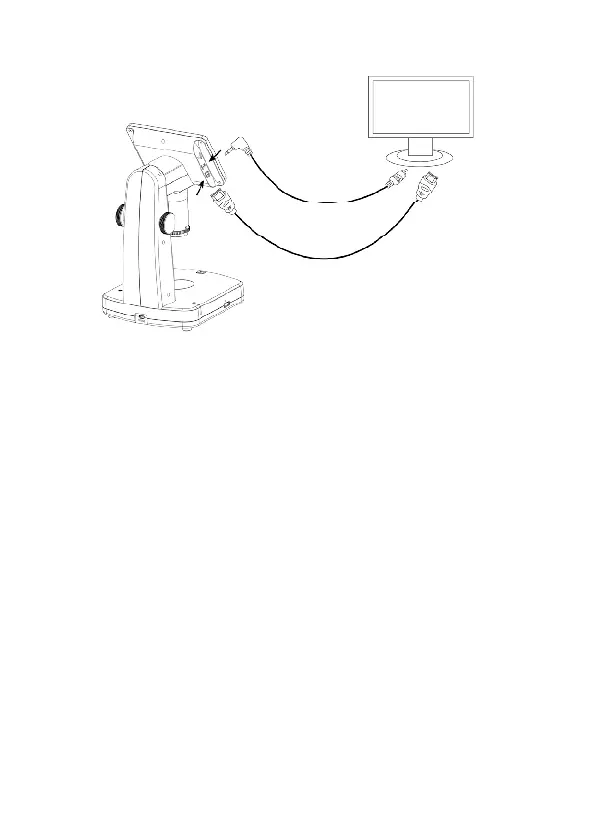
4.10 Output to External Monitor
1. Insert the 1/8-inch plug on the end of the supplied
video cable into the microscopes Video port. An
HDMI connection is also possible.
2. Insert the RCA plug on the video cable into one of
your television’s yellow video input connectors.
Refer to your television’s manual for more
information on locating the connectors or HDMI.
3. Turn on the television. If necessary, switch your
television to the appropriate input channel. Items
that you magnify appear on the television screen.



 To Next Page