48 49
5. Screen Menu Introductions
to enter the camera setup, and selectYou can press
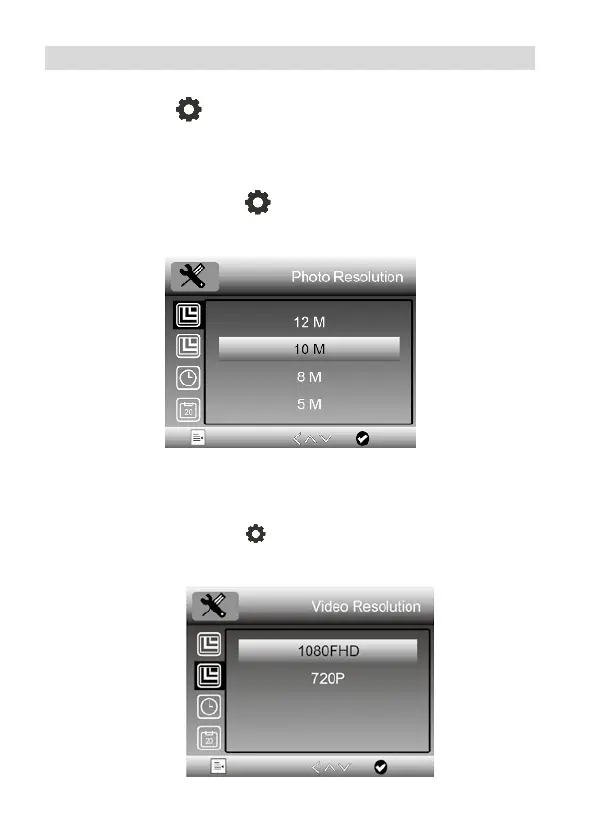
5.1 Photo Resolution
At photo mode, press
, you can choose to select a
resolution for photo taken among 12M/10M/8M/5M/3M.
5.2 Video Resolution
At video mode, press
, you can choose to select a
resolution for video recording between 1080P/720P.
the options seen below.



 To Next Page