EasyManua.ls Logo

DNT UltraZoom PRO - Software Interface Instructions; Main Interface Icons

DNT UltraZoom PRO
78 pages
Print Icon
To Next Page IconTo Next Page
To Previous Page IconTo Previous Page
Loading...
68 69
39
Software Interface Instructions
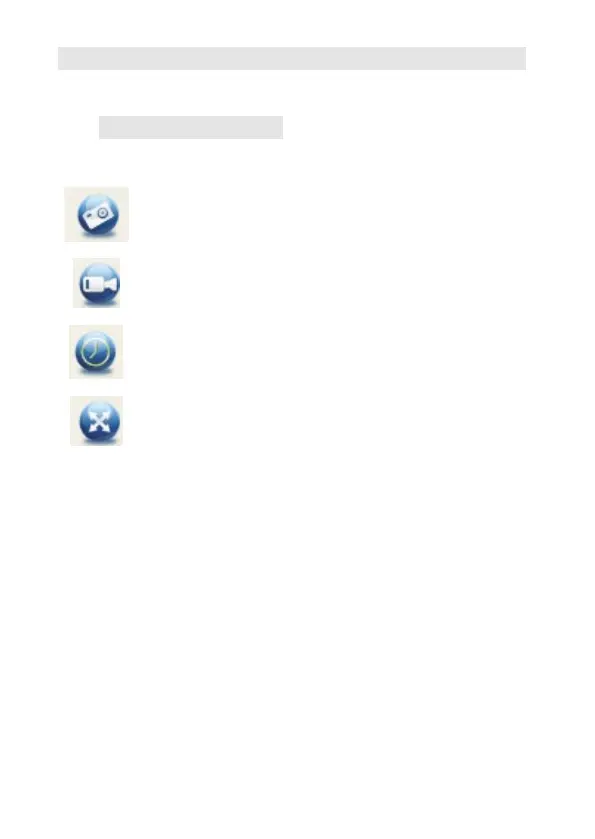
Main Interface Icons
Capture photo – It’s used to capture photo
one by one.
Start/Stop record video.
Timer for photo/video Set the start time,
interval time, and total photo/video number.
Full screen mode
Press ESC or double-click to exit.


Table of Contents

Other manuals for DNT UltraZoom PRO

Related product manuals