56 57
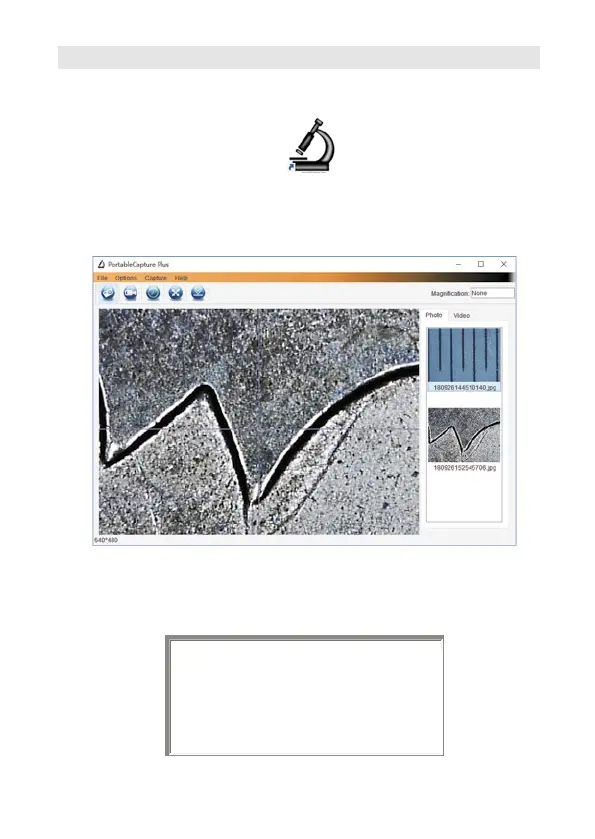
software by clicking the icon generated on the
desktop after installation. You will see the following
screen pop up.
When the microscope is disconnected from your
PC USB port, the following message will appear.
2. Start Microscope
Connect your Microscope to your PC USB port, start the
No Device detected, please
connect your microscope
directly to your PC USB port.



 To Next Page