64 65
Change Calibration
If you need to change the magnification rate and adjust
focus to capture the picture, calibrate the magnification
rate again.
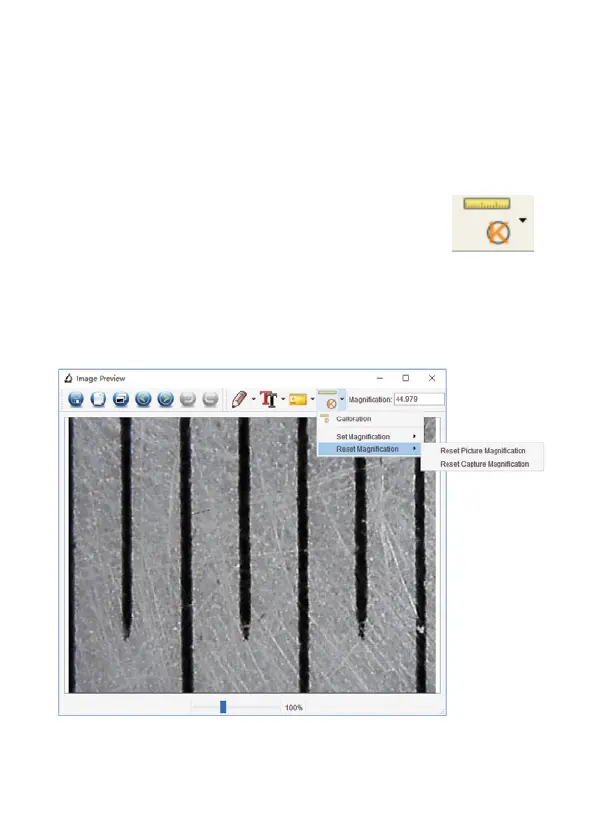
1. Double click to open the picture, click ‘ >
Reset magnification > Reset picture magnification’ as
shown below. And then start calibration again (for
calibration details, please refer to p. 60).



 To Next Page