48
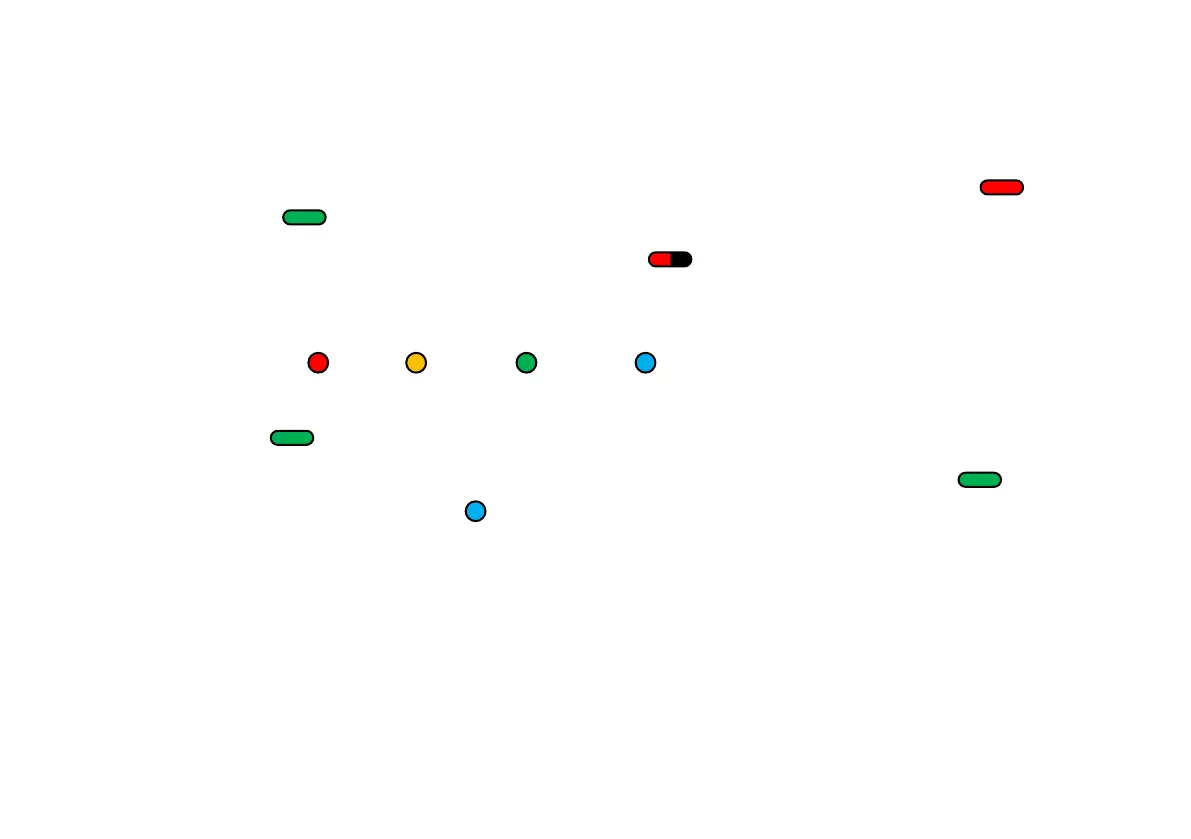
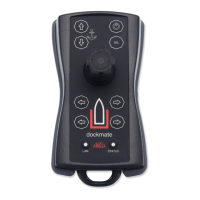
The Dockmate remote will start to charge when switched off and placed on the Dockmate Cradle or
wireless charger. The LEDs on the Dockmate Cradle will change in colour form constant red to
constant green , indicating the charging process.
When the indicator on the Dockmate Cradle flashes red that means a foreign metal object was
placed on the charging pad, the charger is overheated, or the Cradle is supplied by a too low voltage.
Also, the “stat” LED on the remote will start to flash in different colours depending on the battery
percentage (1-5%: , 6-25%: , 26-90%: , 90-100%: ).
When the battery is fully charged the Dockmate remote will keep blinking blue and the charger will
show a green LED.
When placing a fully charged remote in a Dockmate Cradle, the charger’s LED will light up , and
the remote “stat” LED will blink blue .


 To Next Page