47
5. CHARGING THE BATTERIES
The Dockmate remotes are fitted with a Li-Ion battery that must be charged occasionally.
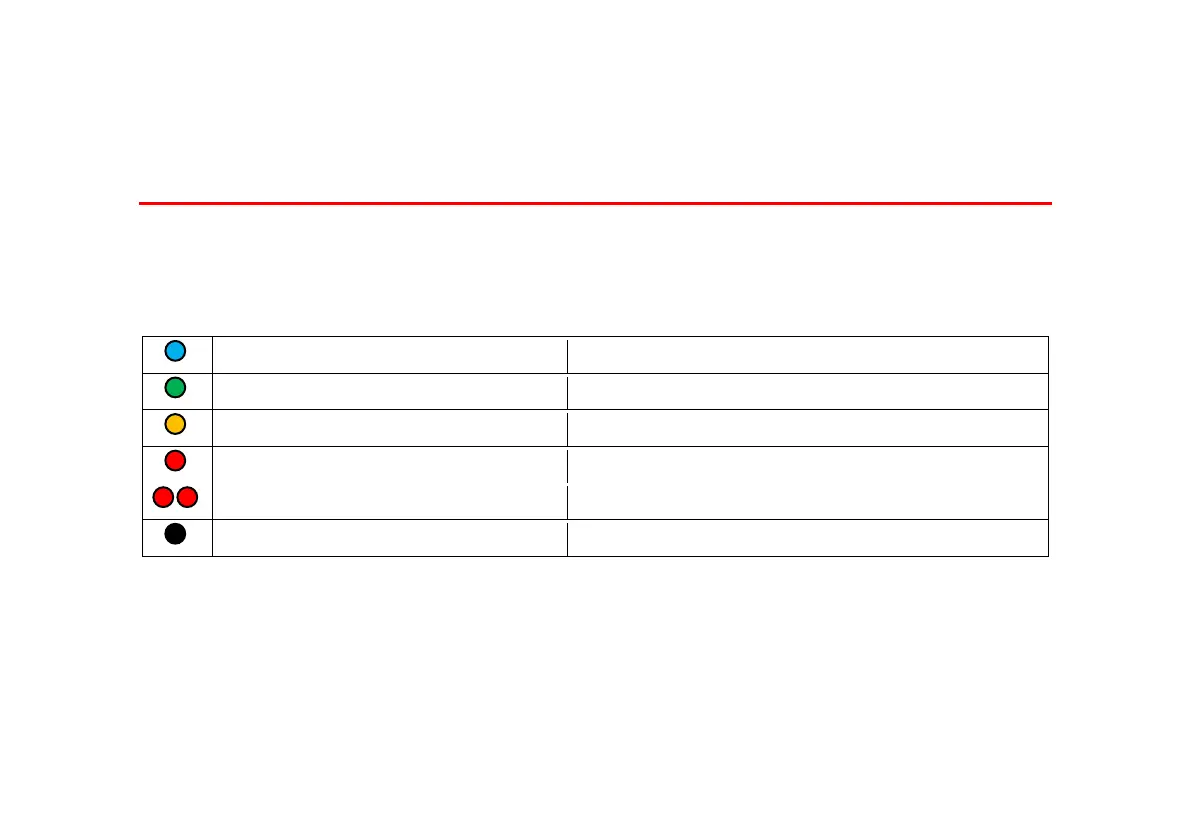
When the Dockmate remote is turned on, both LEDs will go white. Then the Status LED will show one
of the following:
6-25% (charging highly recommended)
1-5% (may fail at any moment)
It is not possible to turn on the remote when the battery voltage drops below 3.45V.
It is highly recommended to charge the remote when the “stat” LED shows yellow on start-up.


 To Next Page