49
6. TURNING THE REMOTE ON AND OFF
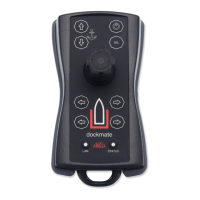
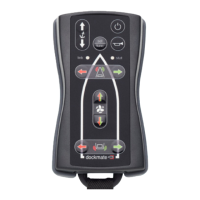
Press and hold the button for 3 seconds to turn on the remote.
If you hold the button for more than 6 seconds on start-up, the remote will immediately shut off
again.
The remote will be automatically switched off after 30 minutes of non-use. Alternatively, the remote
can be switched off by pressing the button 3 times quickly or holding it down for 3 to 5 seconds. Do
not press & hold the button for more than 6 seconds.


 To Next Page