50
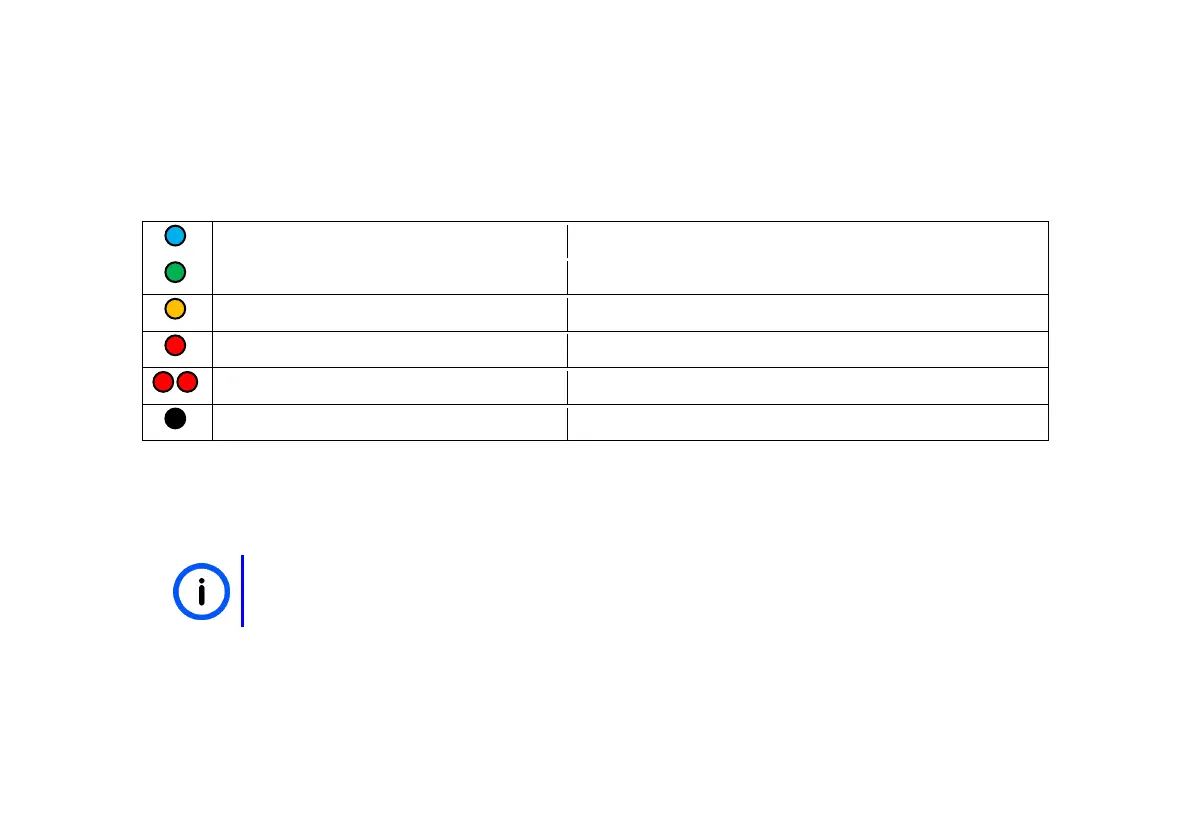
When turning on the remote, both LEDs will go white. Then the link LED will go dark, and the stat LED
will show one of the following colours:
6-25% (charging highly recommended)
1-5% (may fail at any moment)
When taking the remote off the charger, while it is still charging, the remote will stay in “charging
mode” for about 15s.
You can turn on the remote while it is being charged in its Cradle. For the TWIST and
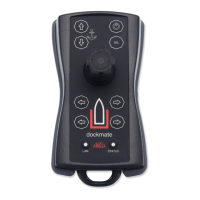
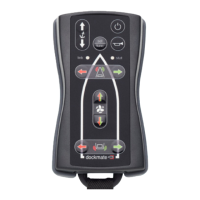
VECTOR this makes it possible to use Dockmate as a “fixed joystick.”


 To Next Page