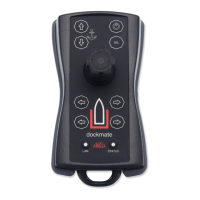
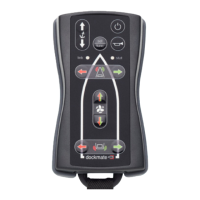
53
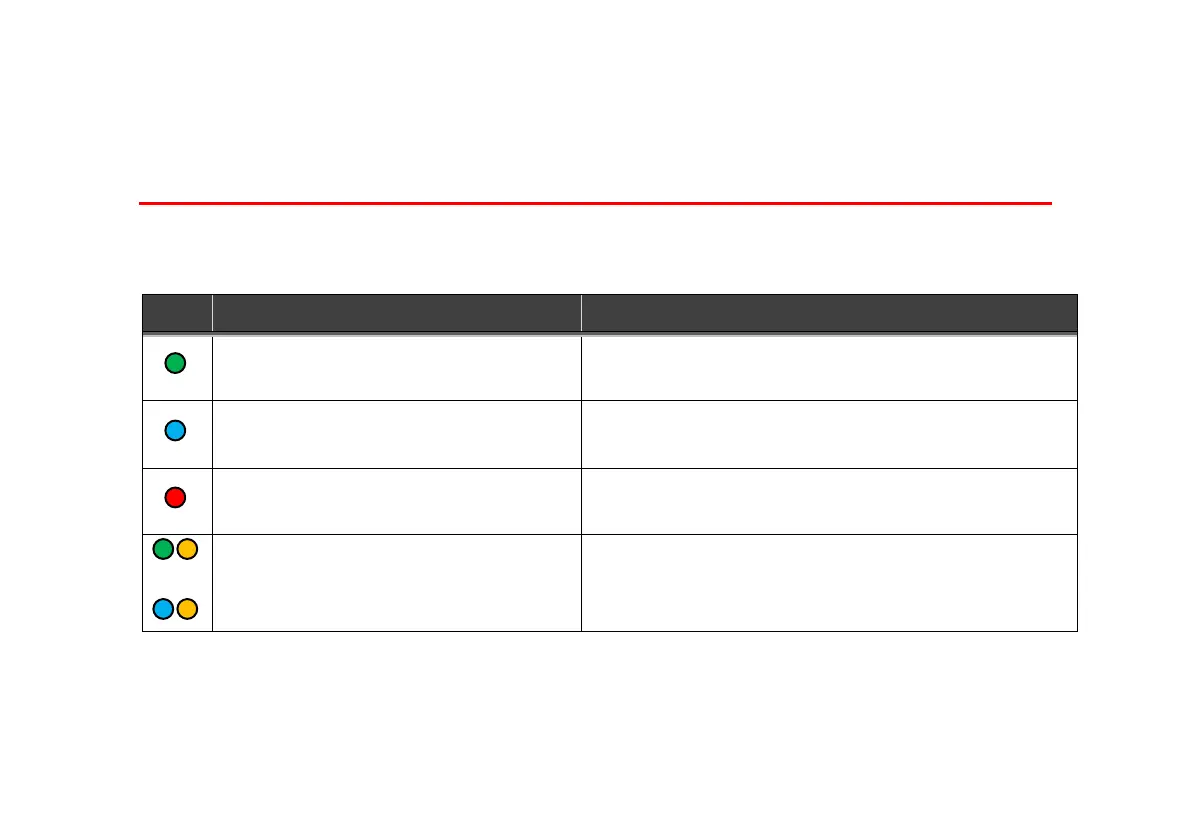
8. LED BEHAVIOUR DURING OPERATION
After start-up, the stat LED will go dark, and the link LED will show the communication status. The link
LED can also show warning and error feedback from the Receiver.
Actively transmitting data (Link active)
When pressing a button or moving the joystick.
Communication OK
Standby mode (Link frozen)
When not pressing any button for more than 5s.
Communication lost
When communication could not be established or
was interrupted. The remote also beeps.
or
Green/yellow or blue/yellow blinking.
Feedback from the Receiver: warning
Receiver status warning. See below for meaning the
warning code.


 To Next Page