Book: 23227143 (8-24-2010) Rev CPage21
Wedge Service Diagnostic Display
The WEDGE controller provides a diagnostic capability that allows various machine parameters
to be viewed on the numeric display. The diagnostic display can be accessed with the machine
stopped or while it is operating. The “Data Input” switch located beside the WEDGE controller
inside the unit is used to toggle through the list of parameters.
If the “Data Input” switch is broken then the following method can be used: If the
machine is stopped, the “Service Air” switch on the control panel is used to toggle through the list
of parameters. If the machine is operating, the “START” position of the ignition switch is used to
toggle through the list of parameters.
To view the parameters, use the “Data Input” switch to scroll to the desired display
number. After 1 second, the display number will disappear and the desired parameter will be
displayed. After 3 minutes, the display will return to normal mode. The toggle only works in the
ascending order direction, but it will wrap around and start over.
Display Parameter Remarks
2 Not Available
3 Engine RPM Filtered Value From WEDGE
4 Regulation System Pressure From PT2
5 Separator Tank Pressure From PT1
6 Airend Discharge Temperature From RT2
7 Separator Tank Temperature From RT1
8 Target Engine RPM Throttle Command to Engine
9 Machine ID Selected Machine Type
10 Engine Coolant Temperature From Engine ECM
11 Not Available
12 Engine Oil Pressure From Engine ECM
13 Engine Intake Manifold Temperature From Engine ECM
14 Engine RPM From Engine ECM
15 Engine Fault Codes From Engine ECM
16 Engine Throttle Position From Engine ECM (Percent %)
17 Not Available
18 Engine Hours From Engine ECM
19 Engine Load at Speed From Engine ECM (Percent %)
20 Set Machine ID To Set Selected Machine Type
Entering Machine ID for WEDGE Control Systems
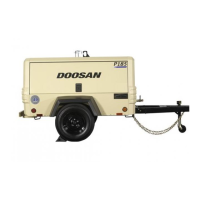
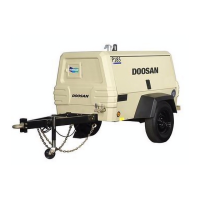
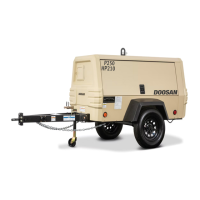
For machines with the WEDGE controller mounted inside the control
panel/instrument panel box, the "Service Air" switch is used to enter the machine
ID. Disconnect the fuel level sensor (if equipped, will be located in the fuel tank),
before starting the process and reconnect once the process is completed.




 To Next Page