4.5.2.5 Beep for Unauthorised
If there is an attempt to gain access using unauthorised user media, the acoustic
signal will briefly sound 4times.
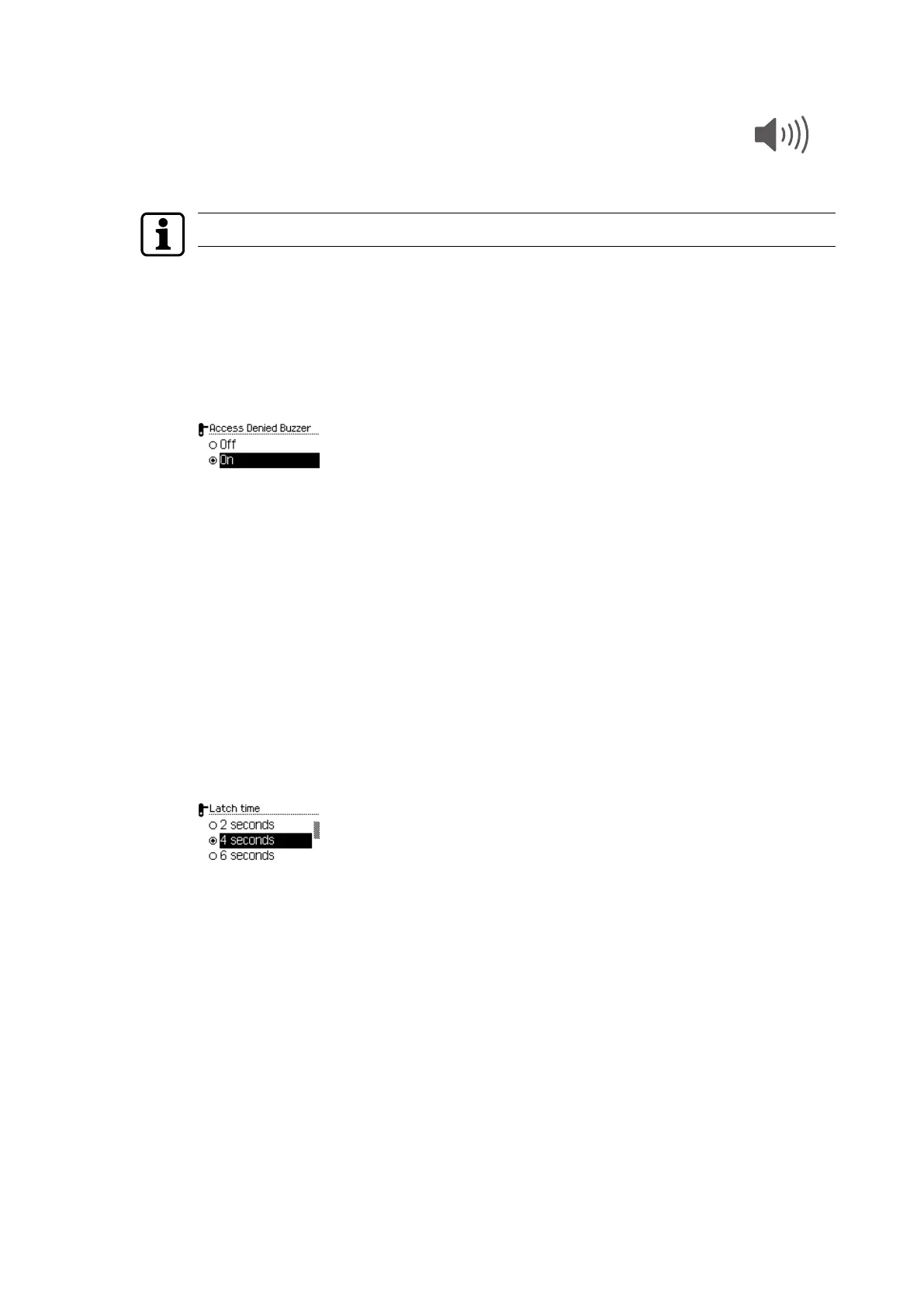
This beeper can be switched off in this menu.
The beep setting is independent of the system software.
1. Open the 'Settings' menu.
2. Open the 'Actuator' menu.
3. Log the master medium in to the actuator.
4. Connect the programmer to the actuator.
5. Select the 'Beep unauthorised' sub-menu.
6. Press the ENTER key.
7. Select 'On' or 'Off'.
8. Press the ENTER key.
ð The selection is saved.
4.5.2.6 Opening time
The opening time determines the duration for which the actuator remains coupled for
actuation.
1. Open the 'Settings' menu.
2. Open the 'Actuator' menu.
3. Log the master medium in to the actuator.
4. Connect the programmer to the actuator.
5. Select the 'Opening time' sub-menu.
6. Press the ENTER key.
7. Select the opening time from the following options: 2, 4, 6, 10, 20, 30, 45seconds or
1minute.
8. Press the ENTER key.
ð The selection is saved.
Operation User Manual
22 - 06/2021dormakaba Programmer 1460



 To Next Page