4.5.2.3 Beep
The beep setting is independent of the system software.
1. Open the 'Settings' menu.
2. Open the 'Actuator' menu.
3. Log the master medium in to the actuator.
4. Connect the programmer to the actuator.
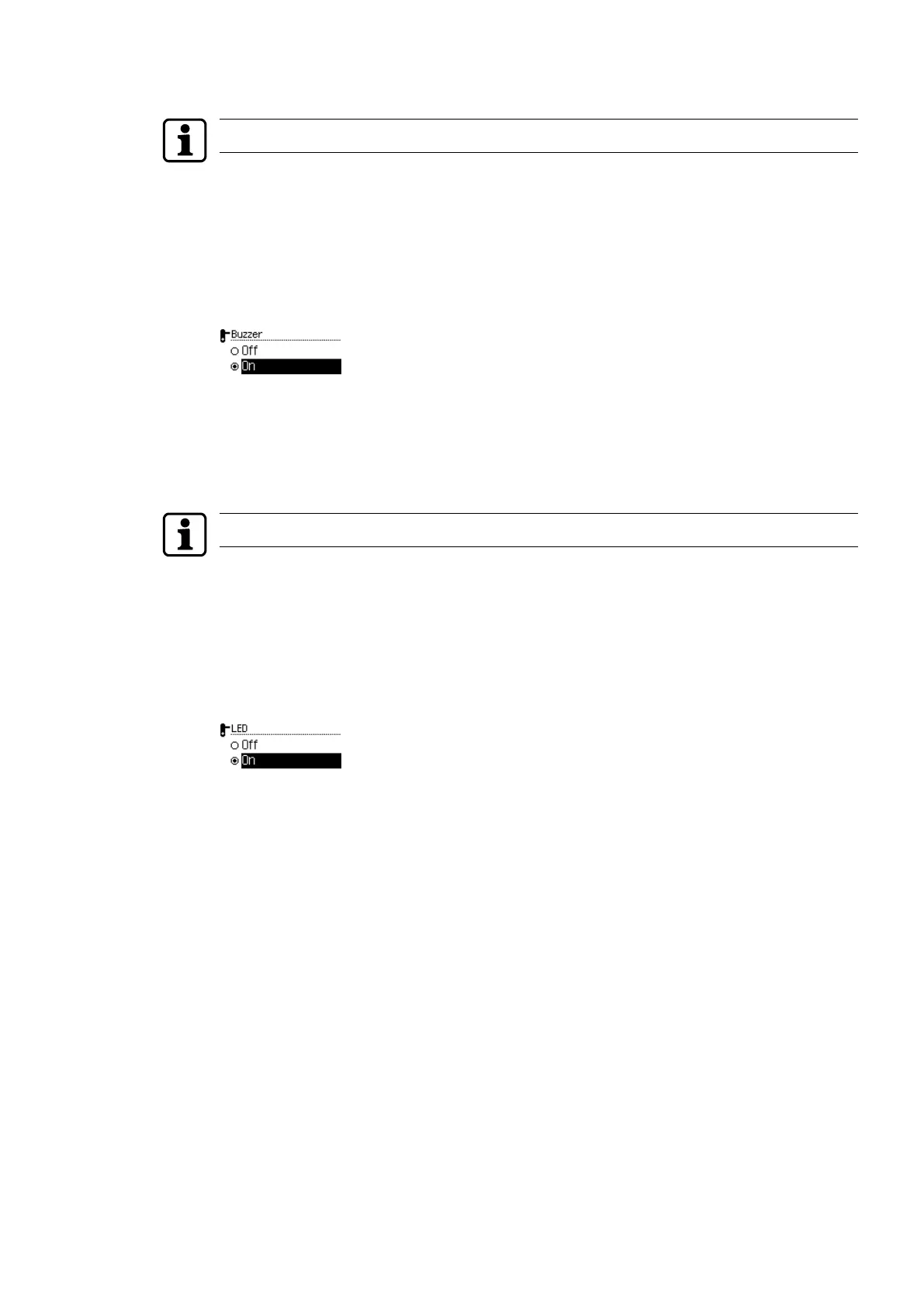
5. Choose the 'Beep' sub-menu.
6. Press the ENTER key.
7. Select 'On' or 'Off'.
8. Press the ENTER key.
ð The selection is saved.
4.5.2.4 Light signal
This functions can only be applied for actuators with LED and illumination unit.
1. Open the 'Settings' menu.
2. Open the 'Actuator' menu.
3. Log the master medium in to the actuator.
4. Connect the programmer to the actuator.
5. Choose the 'Illumination unit' sub-menu.
6. Press the ENTER key.
7. Select 'On' or 'Off'.
8. Press the ENTER key.
ð The selection is saved.
OperationUser Manual
21- 06/2021 dormakaba Programmer 1460



 To Next Page