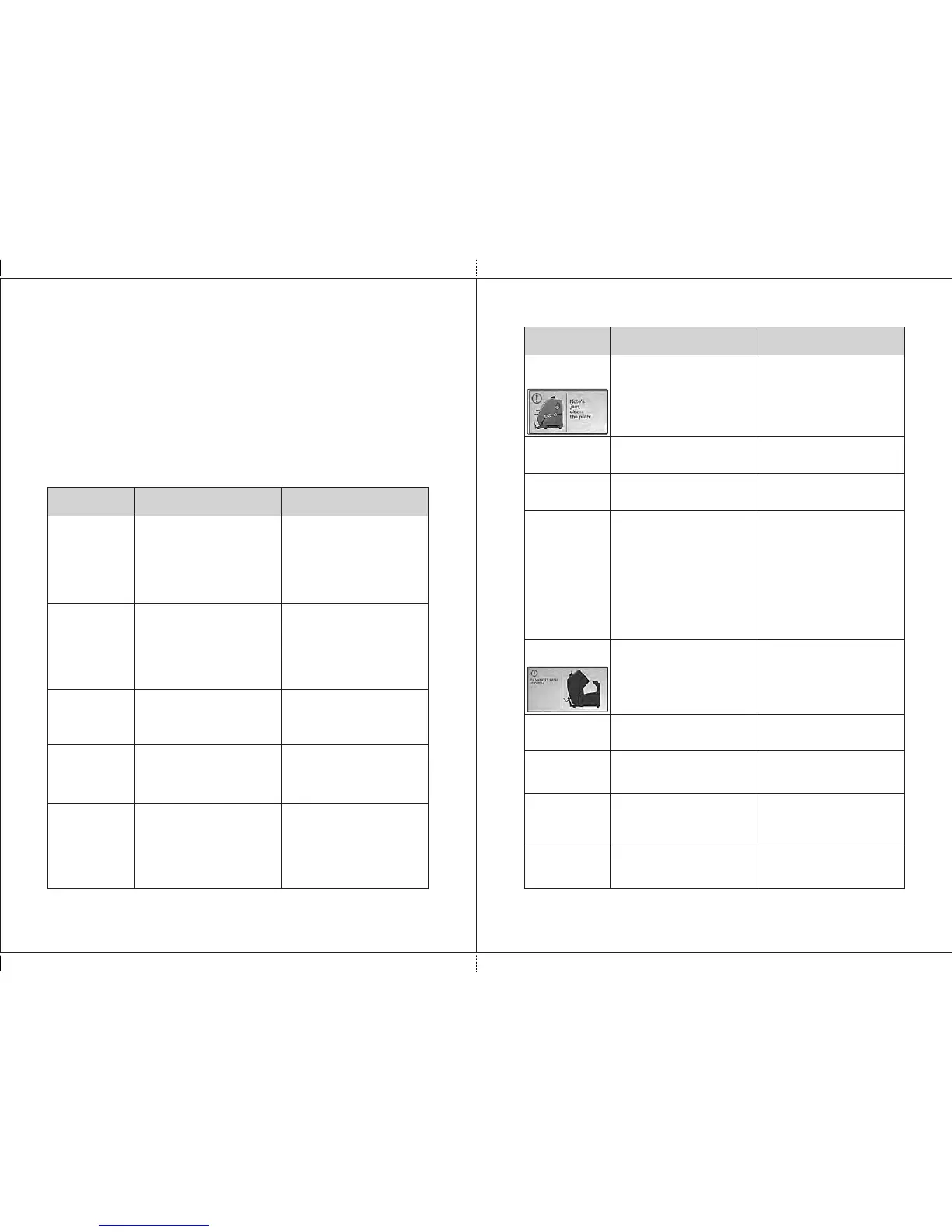
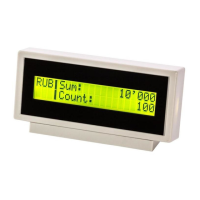
Messages
Reason Teller's actions
MESSAGES IN COURSE OF OPERATION
Table 2. Error messages
Error
Messages
P.O.S.T.
ERROR
An error occurred during self-
testing of the sorter (at its
switching on), the sensors are
covered by foreign object.
An error occurred during self-
testing of the sorter (before
the start of a count), the
sensors are covered by
foreign object.
Switch off the machine.
Remove banknotes and/or
foreign objects from the
hopper, the stacker, the reject
pocket, and the path. Then
switch on again. If the error is
reappeared, call a technician.
Switch off the machine.
Remove banknotes and/or
foreign objects from the
hopper, the stacker, the reject
pocket, and the path. Then
switch on again. If the error is
reappeared, call a technician.
Reason Teller's actions
S.M.A.R.T.
ERROR
The banknotes are jammed. A
foreign object in the path
blocks the gear and causes
the overcurrent.
Switch off the machine. Open
the path, and remove the
jammed banknotes, the
foreign objects.
Overcurrent
The banknotes get jammed.
Foreign object in the path
blocks the diverter between
the hopper and the reject
pocket.
Open the path, remove the
jammed banknotes, foreign
objects from diverter's area.
Switch
error
The calibration error is
occurred during the self-test.
Switch off the machine. Open
the path and remove the
banknotes, the foreign objects
blocking CIS (see item 3,
Figure 5, Figure 6). Then
switch on again. If the error is
reappeared, call a technician.
Calibration
error
DORS 800 BANKNOTE SORTERDORS 800 BANKNOTE SORTER
37
36
Note's jam,
clean the
path!
A banknote is jammed in the
path during counting.
More banknotes than required
were placed into the stacker in
the batch mode
Remove banknotes from the
hopper, open the path and
remove the banknotes from
there.
The red circles on the picture
are marked the places of
possible jams.
Remove the banknotes from
the stacker, and recount the
batch.
Batch
error
In a process of a count an
uncertain amount of banknotes
are put to the stacker.
Clean the stacker, and
recount the banknotes.
Count error,
uncertain
amount
Incorrect feeding of the
banknotes.
Remove banknotes from the
hopper, open the path and
remove the banknotes from
there.
Adjust the hopper's guides
according to the length of the
longest banknote in the batch,
level the batch edges
(separate banknotes shall not
to protrude from the batch),
and place them in the hopper
avoiding their skew.
Feed
error
Table 3. Messages in course of count
Banknote
path is open
The path is open, the upper
part is open.
Close the path.
Banknote path
is closed
Clearing the path
After the path is closed, the
self cleaning of the path is in
progress.
Wait till cleaning of the path is
over.
In the BATCH submenu a user can change the stacker capacity. The
current value of the stacker capacity is highlighted in blue. To change it, it's
sufficient to press the required value (new value become highlighted in
blue).
Note: under the current batch size there is an information bar which
contains info on the counted and rejected banknotes, the current batch size
and the stacker capacity (see Fig. 54).
Banknote path
is closed
Note is jammed
in path
There are banknotes or
foreign objects in closed path.
Open path, remove banknotes
or foreign objects.
Banknote path
is closed
Remove
banknotes
from hopper
Banknote path
is closed
Clean the
pockets
There are banknotes in
hopper or hopper's sensor is
covered by a foreign objects.
There are banknotes in the
stacker and/or in the reject
pocket.
Remove banknotes or foreign
objects from hopper.
Remove banknotes from the
stacker and/or from the reject
pocket.


 To Next Page