EasyManua.ls Logo

Dors 800 - User Manual

Dors 800
22 pages
Print Icon
To Next Page IconTo Next Page
Loading...
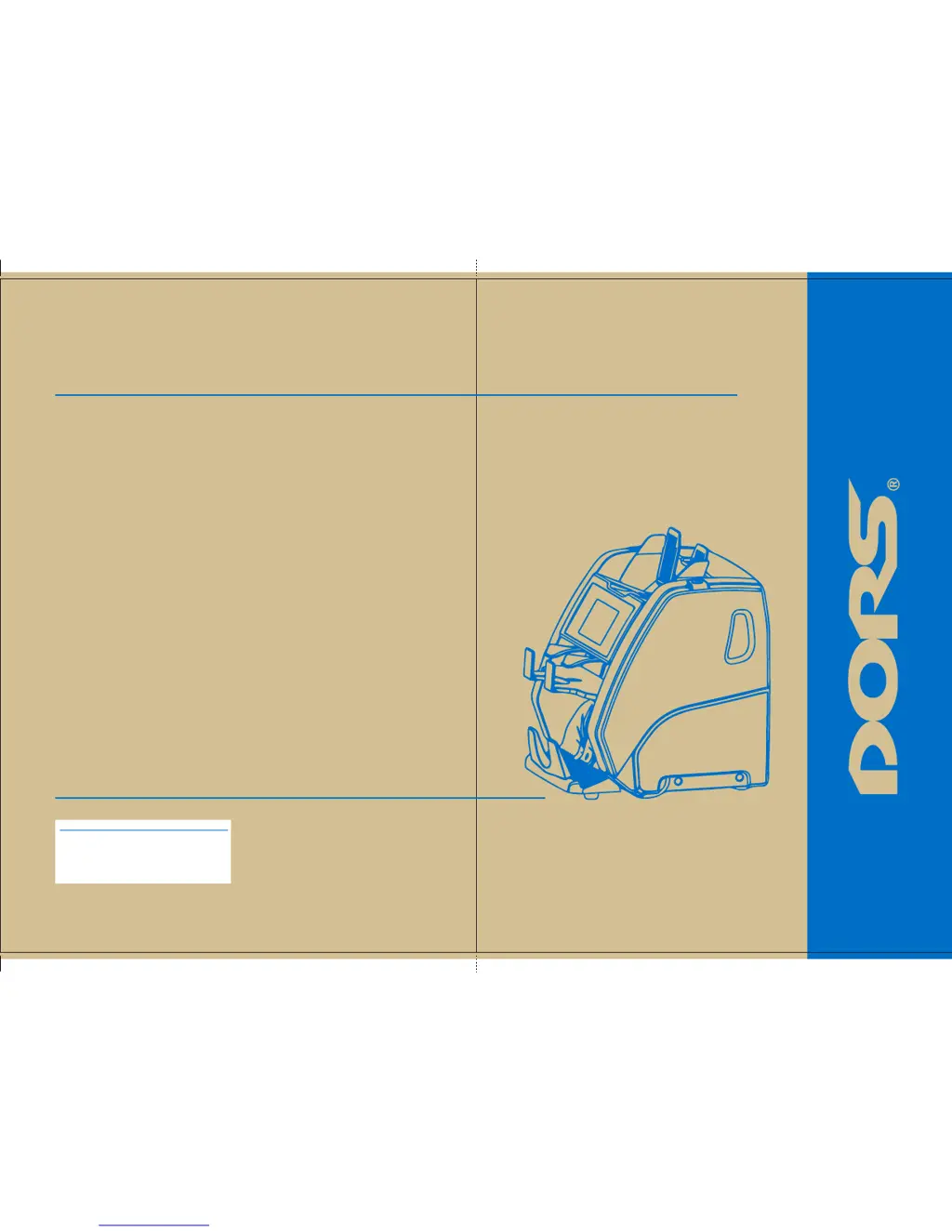
USER MANUAL
800
BANKNOTE SORTER
www.dors.com
User Manual
Version 1.0 Int
Production date:
BANKNOTE
SORTER
© DORS LLC 2016
EBKM.00D800.00.00.000-02UM_Int
Pantone 7502C Pantone 7502C

Other manuals for Dors 800

Questions and Answers

  • A
    Amanda BrownJul 27, 2025
    What to do if my Dors Banknote Counter fails to switch on?
    • B
      Beverly MirandaJul 27, 2025
      First, ensure the power cable is properly connected to both the AC mains outlet and the AC mains connector on the rear of the counter. Also, verify that the AC mains switch is in the 'I' position. If the Dors Banknote Counter still doesn't switch on after checking these connections, contact a technician.
  • M
    Melanie CraigAug 1, 2025
    What to do if the Dors Banknote Counter display shows an undefined message?
    • A
      Anne ObrienAug 1, 2025
      Try restarting the Dors Banknote Counter. If the display continues to show a message not described in the Error Messages table, contact a technician.
  • L
    Latoya FriedmanAug 6, 2025
    Why does my Dors Banknote Counter make abnormal noises?
    • J
      John PetersAug 6, 2025
      If you notice an abnormal noise level or hear foreign sounds coming from inside the Dors Banknote Counter, immediately switch it off and contact a technician.
  • N
    Natalie MoonAug 11, 2025
    What to do if my Dors 800 Cash Counters & Coin Sorters display shows an undefined error message?
    • A
      Amy MaddenAug 11, 2025
      If your Dors Cash Counters & Coin Sorters display shows a message not described in the «Error Messages» table, switch the sorter off and then switch it back on. If the sorter still doesn't work, call the technician.
  • D
    donaldperkinsAug 16, 2025
    What to do if my Dors 800 Cash Counters & Coin Sorters makes abnormal noises?
    • A
      Anna BrooksAug 16, 2025
      If you notice an abnormal noise level or foreign sounds coming from inside your Dors Cash Counters & Coin Sorters machine, immediately switch it off and call the technician.
  • R
    Randy WrightAug 21, 2025
    How to fix a Dors 800 that won't turn on?
    • K
      Kelsey ReidAug 21, 2025
      To troubleshoot a Dors Cash Counters & Coin Sorters that fails to switch on: * Ensure the sorter is properly connected to the power supply. * Verify the power cord is securely plugged into the connector on the back of the machine. * Confirm that the power switch is in the «I» position. If the machine still fails to switch on after checking these points, call the technician.

Summary

Specifications

Safety Precautions

Control Panel

External Sensors, Path Sensors and Diverter

Preparing for Operation

Operation

Operating Keys

Explains the function of each key on the control panel.

Feeder Gap Adjustment

Guides on adjusting the feeder gap for optimal banknote feeding.

Setup Menu

Detection Settings

Configures various detection methods for banknotes.

Count Rate Settings

Allows selection of different counting speeds for the sorter.

Counting Modes

Counting Mode (Piece Count)

Counts banknotes without denomination or counterfeit detection.

Mixed Denomination Counting

Counts mixed denominations with authentication and total amount calculation.

Specific Denomination Counting

Counts a specific denomination with authentication and issue year recognition.

Currency Selection

Denomination and Issue Year Settings

Rejected Banknotes Analysis

Advanced Reject Report

Provides more specific reasons for each rejected banknote.

Operation Control Features

Batch Settings

Error Messages

Count Messages

Maintenance

Daily Maintenance Tasks

Outlines daily cleaning and operational checks for the sorter.

Troubleshooting

Support and Warranty

Firmware Upgrade

Warranty Conditions

Dors 800 Specifications

General IconGeneral
BrandDors
Model800
CategoryCash Counters & Coin Sorters
LanguageEnglish

Related product manuals