LMA-A REV.DOC 23/04/08
15
4. Pull the manual driving down or up (fig. 6.1), or press the right or left pedal (fig. 6.2) to
activate the canvas. When using the pedal driving, the manual driving switch must be in
the middle.
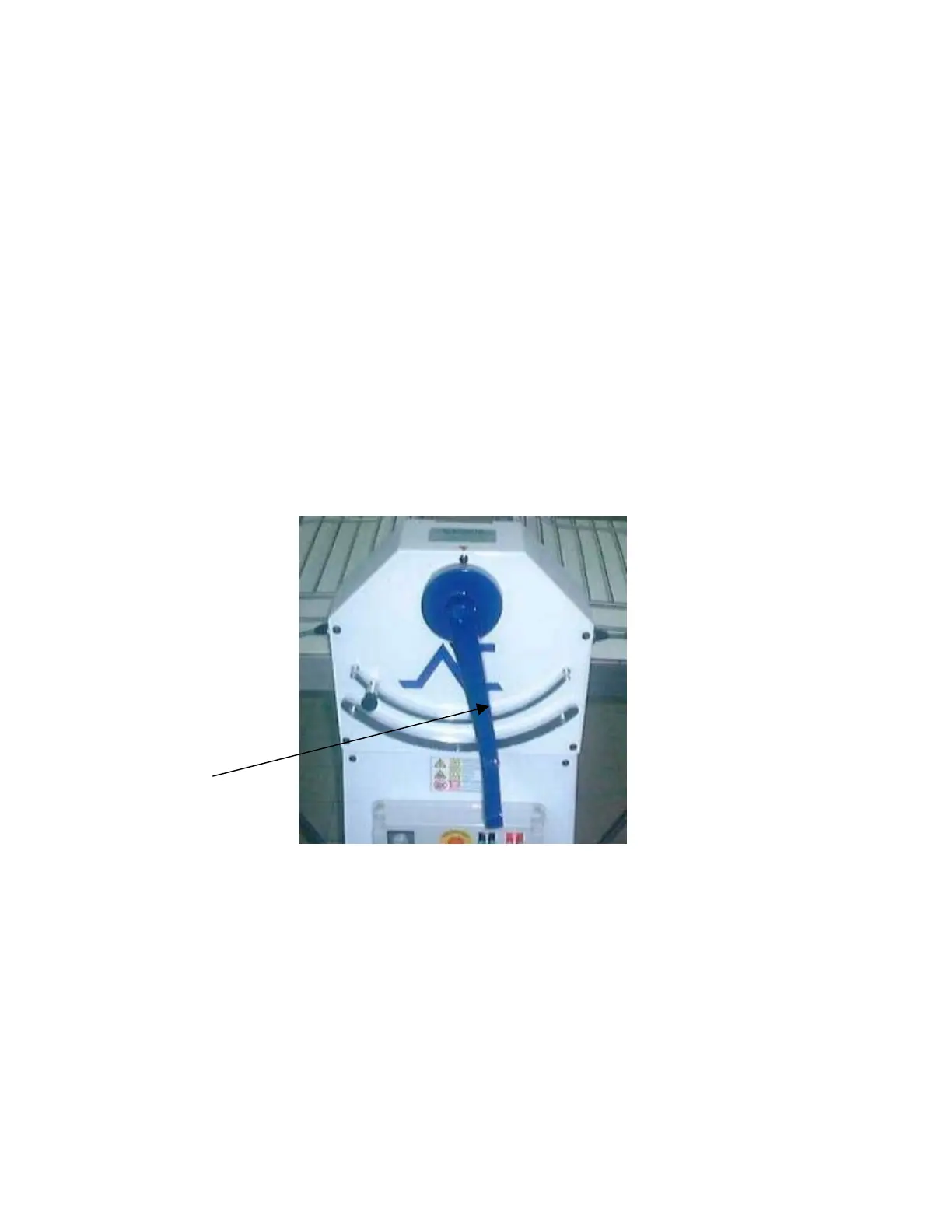
5. The lever of fig. 6.3, controls the opening between the two cylinders, so you can obtain
different dough thickness.
6. The sheeter has 20 speeds, select the desired speed (fig. 4.3).
7. With the button to increase and decrease the speed, you can change the speed.
8. To stop the machine, you have to put the driving switch in central position and then,
press red button Stop “0” (fig. 4.3).
9. You may stop the machine’s work by lifting the security bars or pressing the emergency
stop. In this last procedure, to restart the machine, it will be necessary to twist out the
emergency button, and press the green button Start “I”.
10. At the end of the work, switch off the general switch.
Fig. 6.3



 To Next Page