20
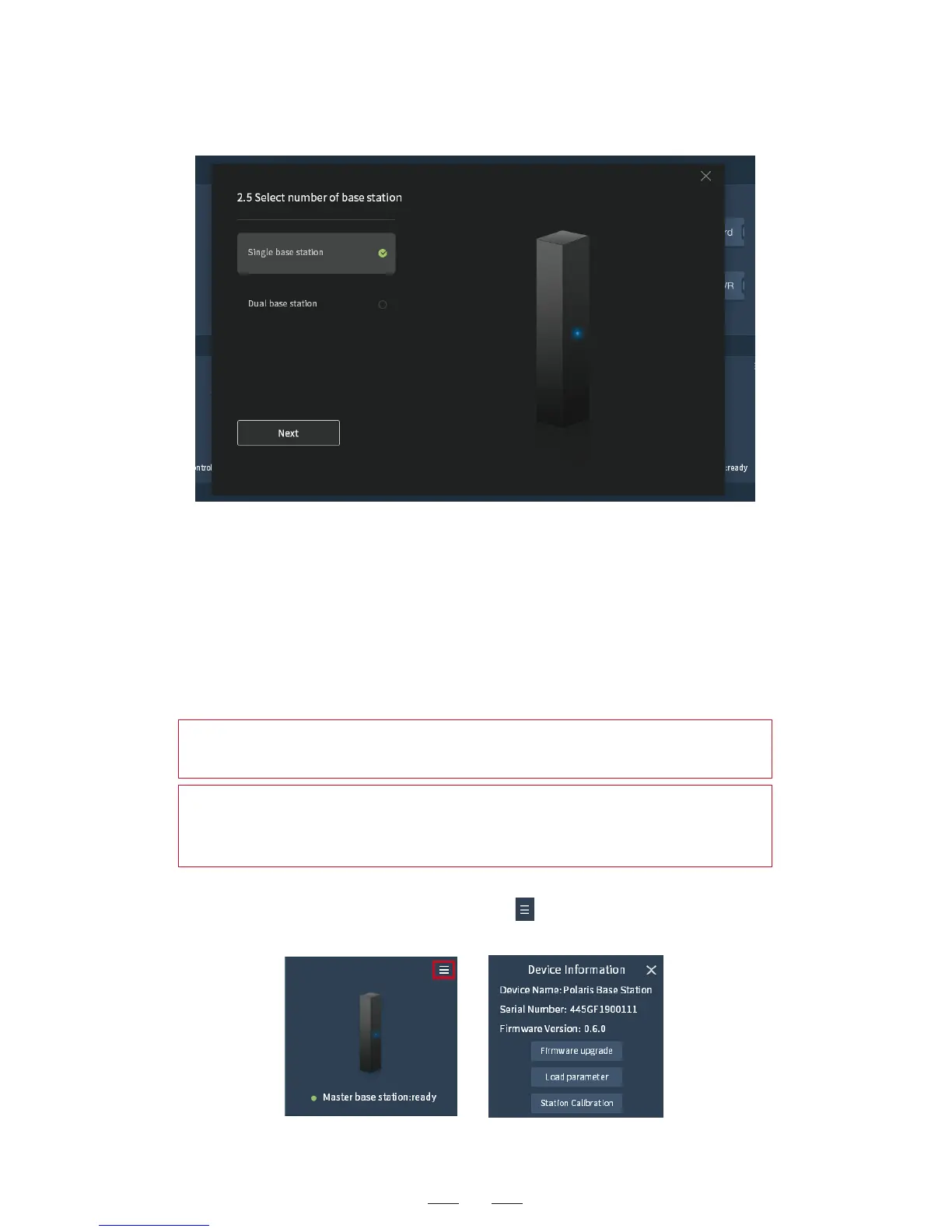
4. After successful loading, the base station serial number and other
information are displayed by click the button at the top-right
corner of the base station information pane.
3. (For the single base station 180° visual field) Make the M-S switch
on the back of the controller is at the M position, indicating the
current base station is the master.
(For the dual base station 360° visual field) Make the M-S switch is
at the M position on one controller, indicating the current base
station is the master; and the S position on the other, indicating it
is the slave.
In the dual base station configuration, the master is loaded first
and then the slave.
Hint: If the base station parameter loading fails, make sure the
power supply of the base station is normal and the USB data cable
connection is good, and then try once again.
Hint: During the process of parameter loading, do not unplug any
cable to avoid firmware error.



 To Next Page