21
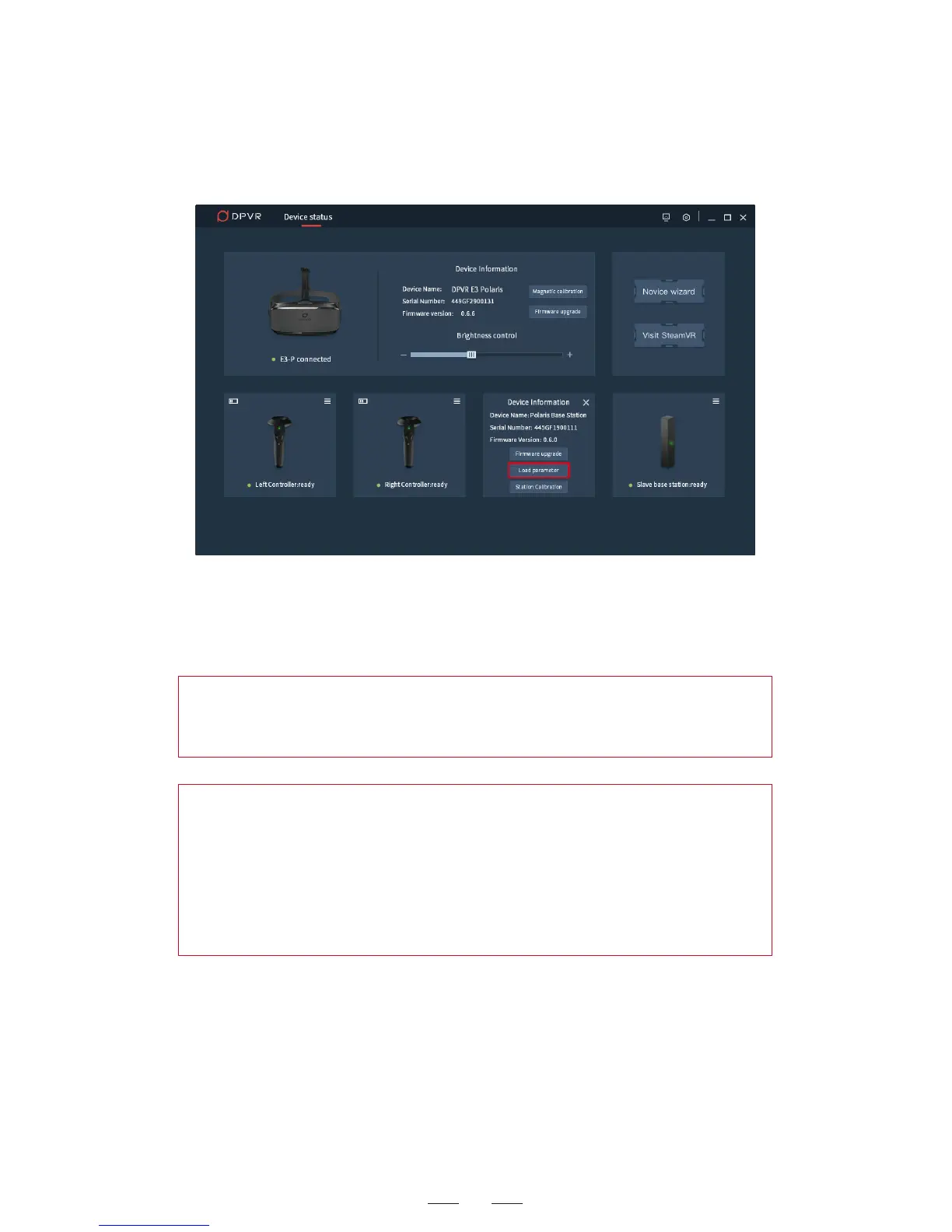
Note: The parameter loading can also be done by clicking Load
parameter in the base station information pane.
5. When the base station parameter loading is completed, the USB
cable can be removed. This operation is needed only once. For the
subsequent uses, just connect the base station to power supply.
Hint: When the computer OS is re-installed, DpnAssistant is
re-installed or the base station is replaced, the base station
parameters need to be reloaded.
Hint: After the base station parameters are loaded, the product
serial number of the base station will be displayed in the base
station pane of the DpnAssistant.
Whenever necessary, compare the displayed serial number with the
one shown on label which is attached to the back of the base
station. If they do not match, reload the base station parameter
once again.



 To Next Page