28
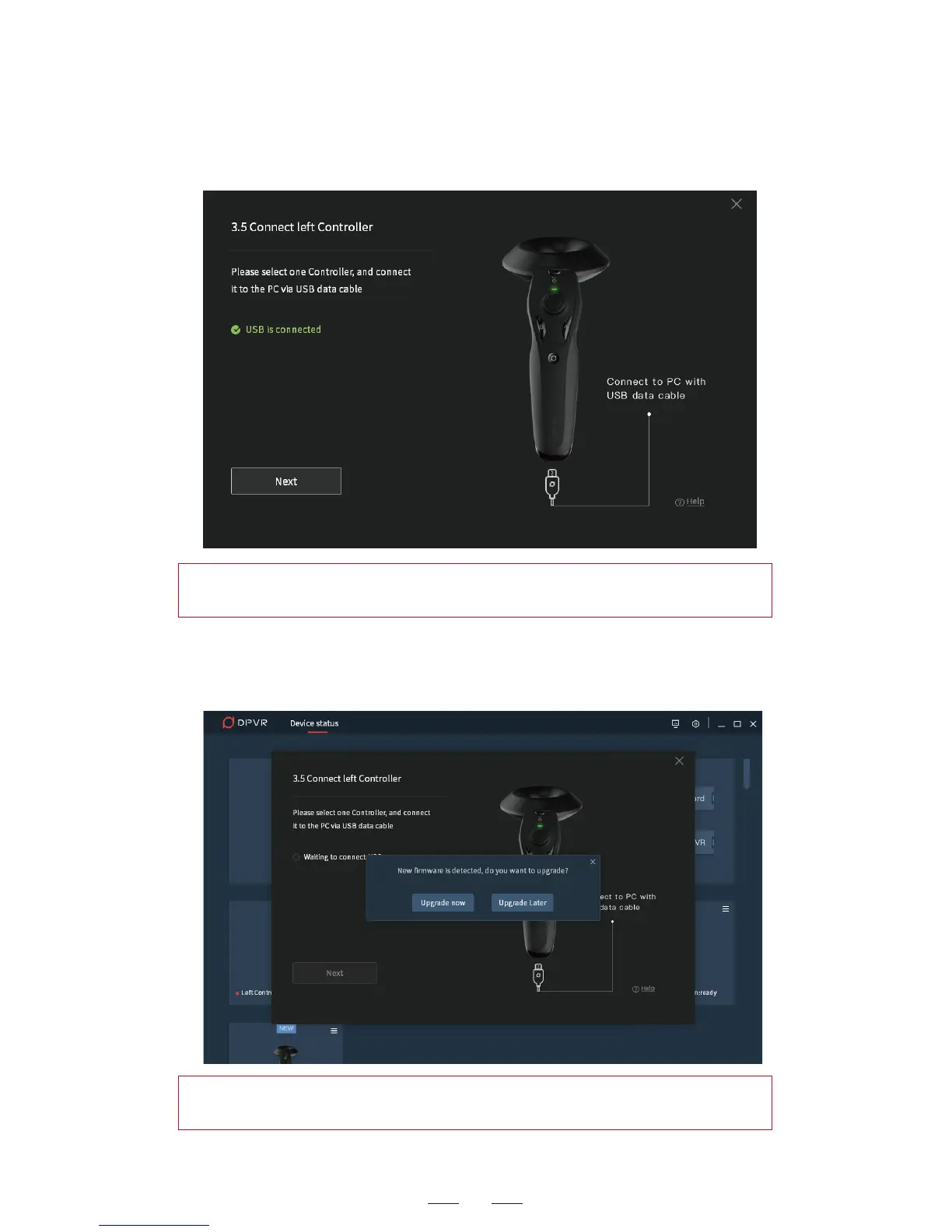
1. Use the USB cable to connect the left controller and computer.
2. After the successful connection between the left controller and
computer, if there is firmware upgrade available, a pop-up window
appears, asking if you want to upgrade the firmware.
Hint: During the pairing operation for the headset, the left controller
shall go first before the right one.
Hint: During the pairing operation for the headset, the left controller
shall go first before the right one.


 To Next Page