29
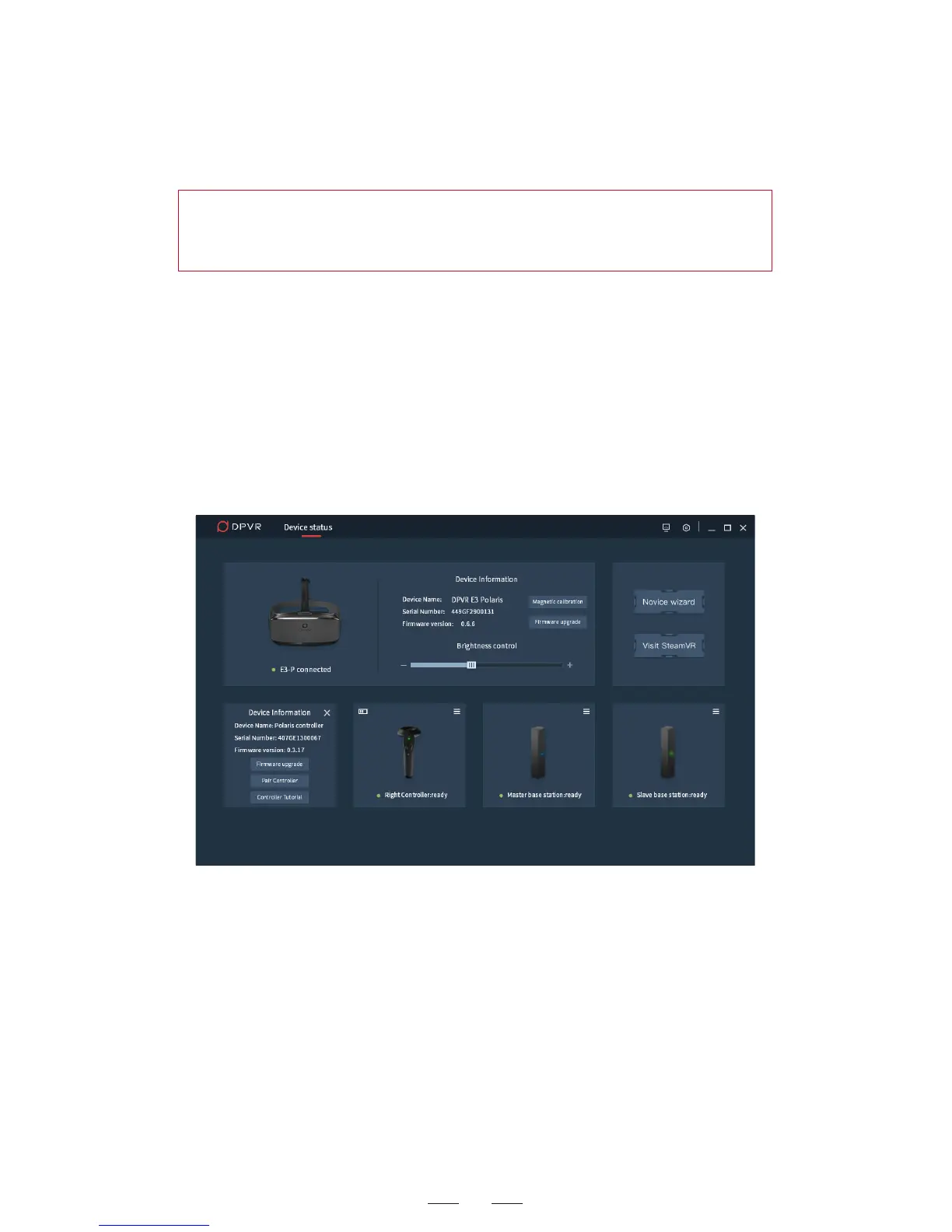
6. After successful controller pairing, the controller information
pane of the Device Connect page shows the serial number and
other information of the controller.
3. If the connection failed, click Reconnect and try again.
4. The left controller is paired successfully. Follow the instruction of
the DpnAssistant. Use the USB cable to connect the right controller
and computer. Repeat the above steps to pair the right controller
successfully. After successful pairing, the indicators are blue on for
both controllers.
5. If the controller pairing failed, you can choose Pair again.
Hint: If the controller pairing failed, please press the trigger button
to check if the controller is in standby status. Unplug the USB cable
to check if the controller is in the off status.



 To Next Page