25
English
24
6.1 Getting Started
(4) Other Functions of Remote Control
ᶀ Volume Control
⊹
While watching a program, press / control the volume.
⊺
You can press the MUTE button to remove the sound of the program: the mute icon
will be displayed. Press the MUTE button again to turn the sound back on.
ᶀ Channel Information
⊹
You can press the INFO button to display the information banner for a few seconds.
⊺
If you then press the INFO button again, a detailed banner will be displayed.
ᶀ TV/ RADIO switching
You can press this key to change from a TV channel to a Radio channel or vice versa.
ᶀ RECALL
Press this key to return to the previous channel.
ᶀ Audio
Press to adjust the subtitle and/or audio status of the current channel:
- Audio Mode : Select between, Stereo/Mono-Left/Mono-Right
- Audio Track : Select between tracks available in this program
- Audio Level : Select between, Low/Medium/High
ᶀ FREEZE
You can press this key to freeze the video. Press it again to resume the video.
ᶀ GROUP
When watching TV or listening to Radio, you can press this button to view the list of
satellites and/or favorite channel groups.
Only registered satellites and favorite groups are displayed.
6.1 Getting Started
2) Timer
This sub menu allows you to set the on/off time of your receiver.
⊹
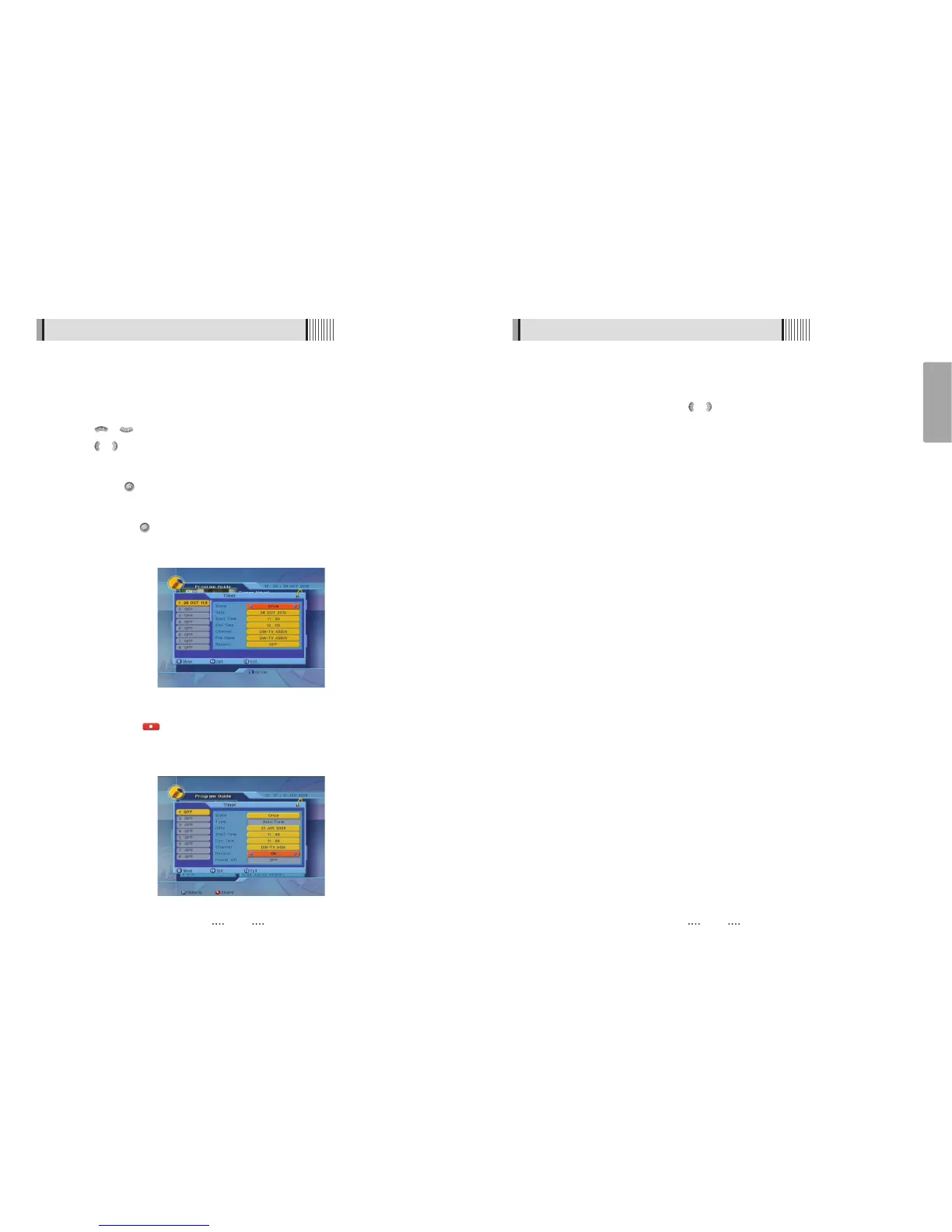
This submenu allows you to set on/off times of your receiver. To display the timer menu,
press the RED button while in the guide menu. <Figure 6-1-14>
⊺
Press / to select a timer’s parameter.
⊻
Press / to change the parameter.
- Timer No : Select the timer that you want to modify. (1- 8)
- State : Select the timer frequency. (off/once/daily/weekly)
- Date : Press to display a Calendar pop-up; Select a date
- Start Time : Input the time for your receiver power-on; use the NUMERIC buttons
- End Time : Input the time for your receiver power-off; use the NUMERIC buttons
- Channel : Press to display a Channel list pop-up; Select a channel
- File Name : You can change recording file name.
- Record : Set record On/Off.
<Figure 6-1-14>
- If you want to record a program in the right side of the screen, you can select a
program by using . The selected program will be reserved and the evnet color text
will change to red. <Figure 6-1-15>.
- You can also see change the timer menu.
ҫ
It is worked when a USB device is connected.
<Figure 6-1-15>



 To Next Page