23
English
22
6.1 Getting Started
(3) Electronic Program Guide
1) EPG
This submenu allows you to access the electronic program guide when available.
⊹
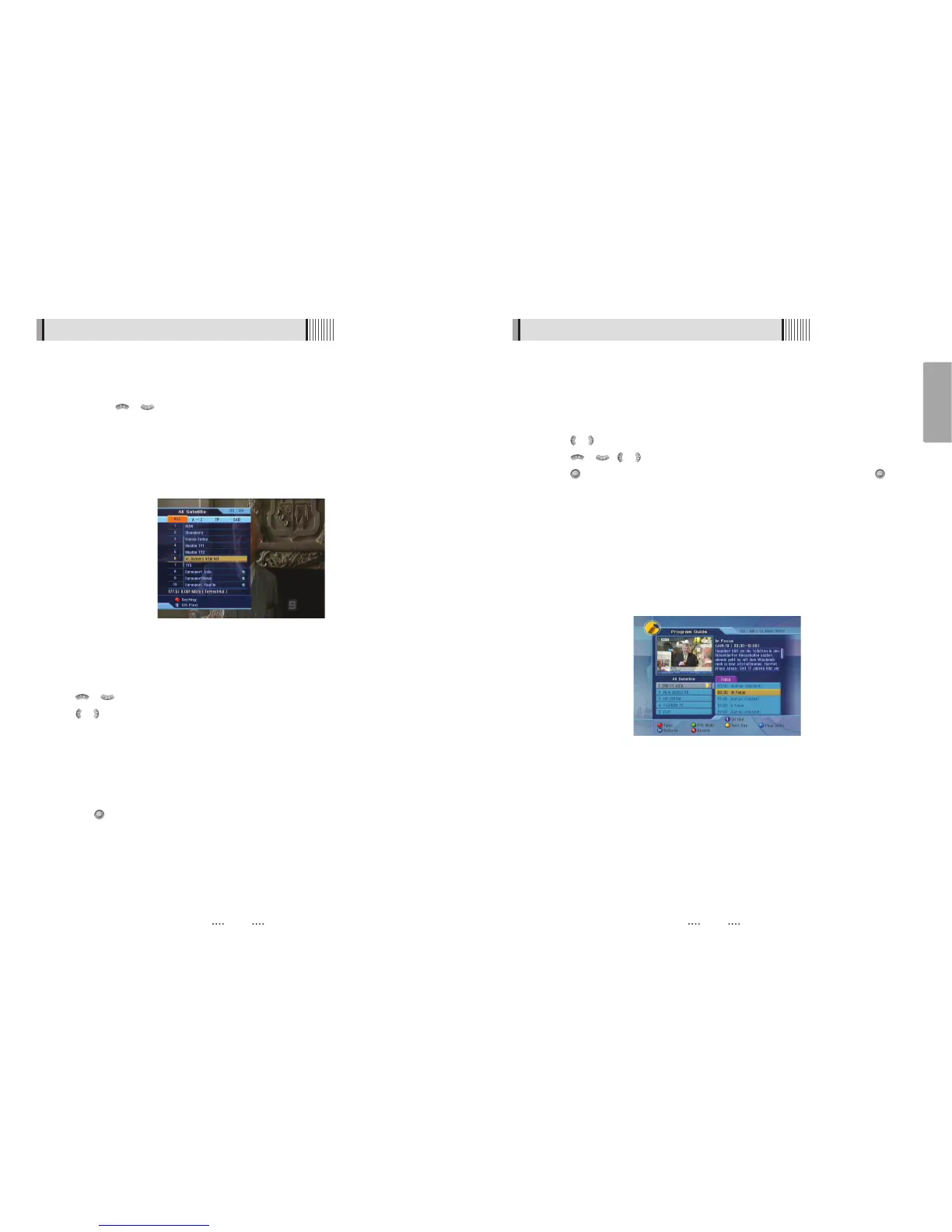
Press the EPG button to display the guide menu. <Figure 6-1-13>
⊺
Press / to see the previous/next guide.
⊻
Press / , / to select another channel. <Figure 6-1-13>
⊼ Press to watch the selected channel and access its EPG data. If you press in
the right side of the screen (Event display list).
- If the current time EPG is selected, you will return to the previous menu and get signal
from the selected channel.
- If a future time (next) EPG is selected, the selected program will be reserved and the
event color w ill change.
⊽ You can select TV or Radio channels by pressing the TV/RADIO button
≊ You can choose a channel list group by pressing the GROUP button.
≋ You can access the timer menu by pressing the RED button. <Figure 6-1-13>
<Figure 6-1-13>
6.1 Getting Started
(2) To View Program
1) Channel Selection
You can use / to navigate between channels until you find the channel you
want.
- If you know the channel number, you can enter it with the NUMERIC buttons and wait 2
seconds until the channel is changed.
- If you know the channel name or transponder or CAS, you can press to display the
channel list <Figure 6-1-12>
⊹
Detailed information about the selected channel will be displayed. (Satellite Name,
Frequency(Polar) and Channel Name)
⊺
You can use the following buttons to navigate between channels:
- / : Moves one channel up/ down.
- / : Moves one page up / page down.
- RED : Press RED button on the remote to use channel sorting.
⍜ ALL : Shows all channels in the current group.
⍜ A~Z : Shows all channels sorted alphabetically.
⍜ TP : Shows all channels sorted by Transponder.
⍜ CAS : Shows all channels sorted by CAS system.
⊻
Press when the selection bar is positioned on the desired channel.
<Figure 6-1-12>



 To Next Page