21
English
20
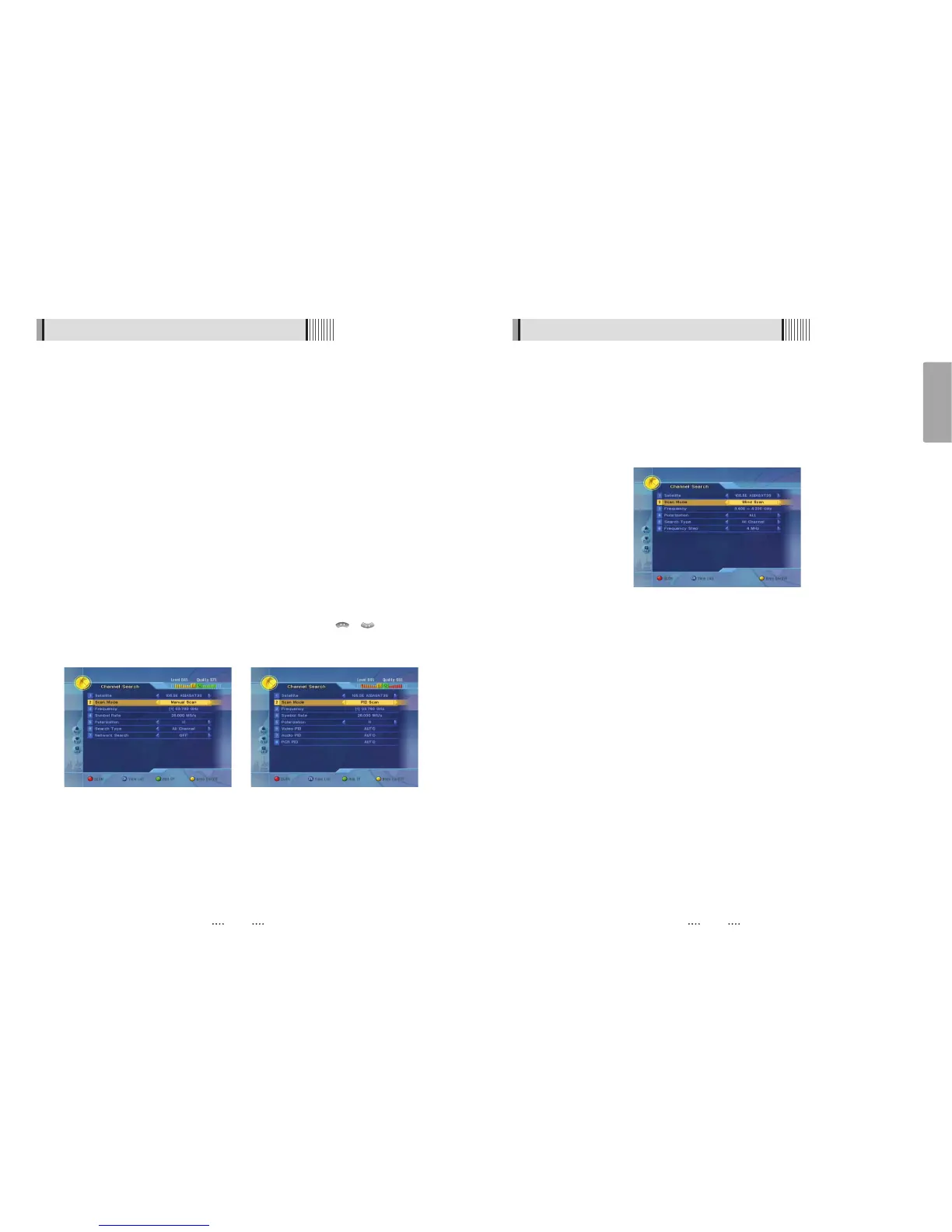
<Figure 6-1-11>
6.1 Getting Started
ᶀ Blind Scan<Figure 6-1-11>
⊹
To change a transponder’s Frequency use the NUMERIC buttons.
⊺
Select a range of Symbol Rate(FULL/7.5M Over/7.5M Under/3.7M Under/DETAIL).
⊻
Select a Poliariaztion(V/H/ALL).
⊼ Select a Search Type(All/FTA/TV).
⊽ Press RED to begin the scan.
6.1 Getting Started
ᶀ Manual Scan <Figure 6-1-9>
⊹
Select a transponder.
⊺
To change a transponder’s information (Frequency, Symbol Rate), use the NUMERIC
buttons.
⊻
To add a new transponder, press the GREEN button.
⊼ To delete a transponder, press the YELLOW button with the cursor next to the
Frequency parameter.
⊽ To search a transponder, set its different parameters and RED button.
ᶀ Package Identifier (PID) Scan <Figure 6-1-10>
⊹
Select a transponder.
⊺
To change a transponder’s information (Frequency, Symbol Rate), use the NUMERIC
buttons.
⊻
To add a new transponder, press the GREEN button.
⊼ To delete a transponder, press the YELLOW button with the cursor next to the
Frequency parameter.
⊽ To search a transponder, set its different parameters and press / You can
search a specific channel of the transponder by setting its PID data (Video, Audio and
PCR).
ҫ
Note : If you cannot access programs after correctly completing a scan procedure,
please contact your seller or your installer.
<Figure 6-1-9> <Figure 6-1-10>



 To Next Page