55
English
54
6.9 PVR
3) Trick Mode
You can operate the trick mode while you are playing the recorded files. These functions
are available in playback mode or time-shift mode powerfully.
ᶀ PLAY
This button will display a time- banner. If you want to show the play list while playing the
file by using .
ᶀ PAUSE
This button will pause the playing file until you play again with or .
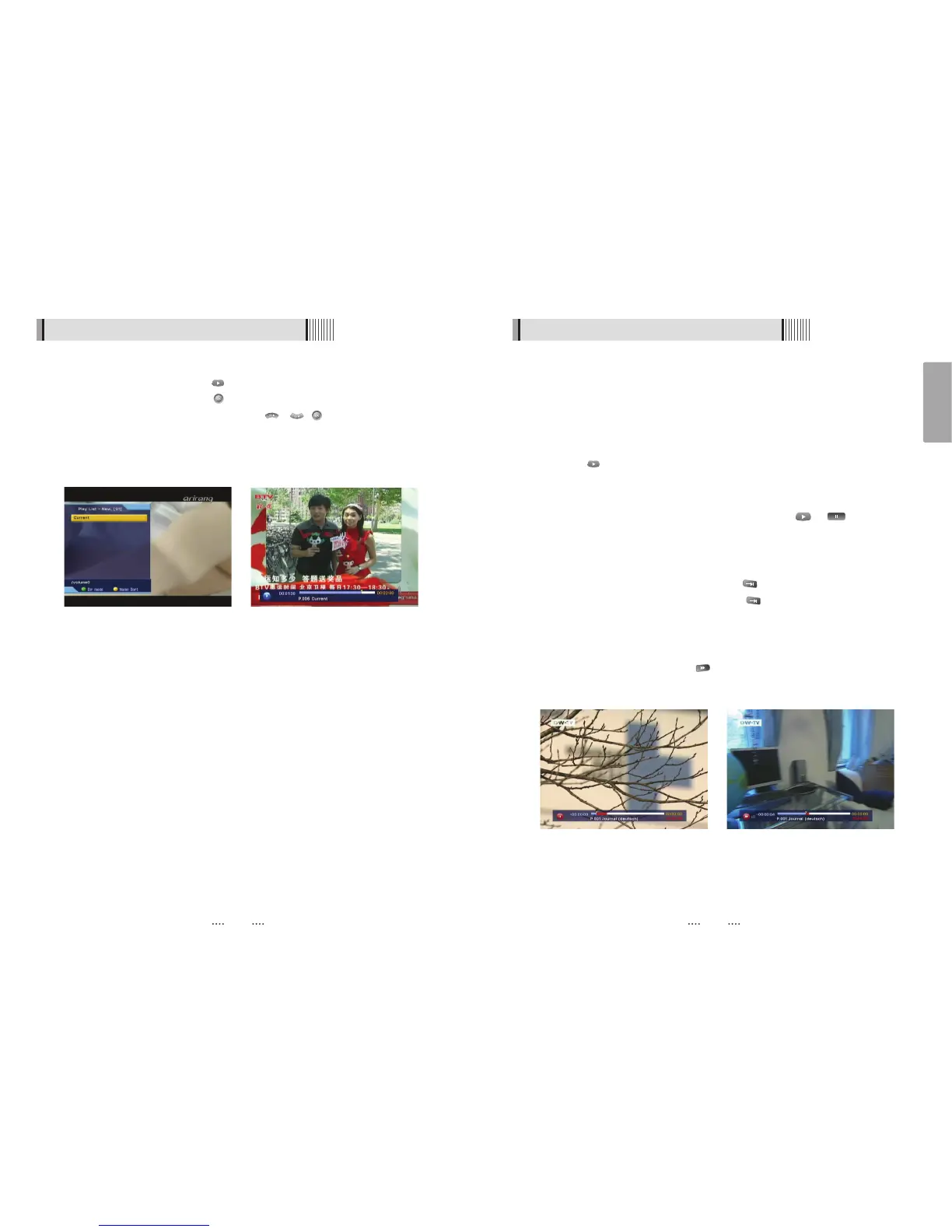
<Figure 6-9-6>
ᶀ ADVANCE
- If the time-shift mode is enabled, You can press to jump the live program.
- If the recording mode is enabled, You can press to jump to the current recording
position.
ᶀ FF(Fast Forward)
- When playing the file, you can press to adjusting the playing speed.<Figure 6-9-7>
- The speed will change to x2, x4 and x8.
<Figure 6-9-6> <Figure 6-9-7>
6.9 PVR
2) Play List
⊹ While watching a program, press to show the play list. <Figure 6-9-4>
⊺ While recording a program, press to show the play list. <Figure 6-9-4>
Select the file you want to play back by using / , . And then the following
time-banner will appear. <Figure 6-9-5>
- GREEN : Select between, File Mode ƍ Dir Mode
- YELLOW : Shows all sorted files. Select between, Sort by name ƍ Sort by time
<Figure 6-9-4> <Figure 6-9-5>



 To Next Page