57
English
56
6.9 PVR
ᶀ Bookmark
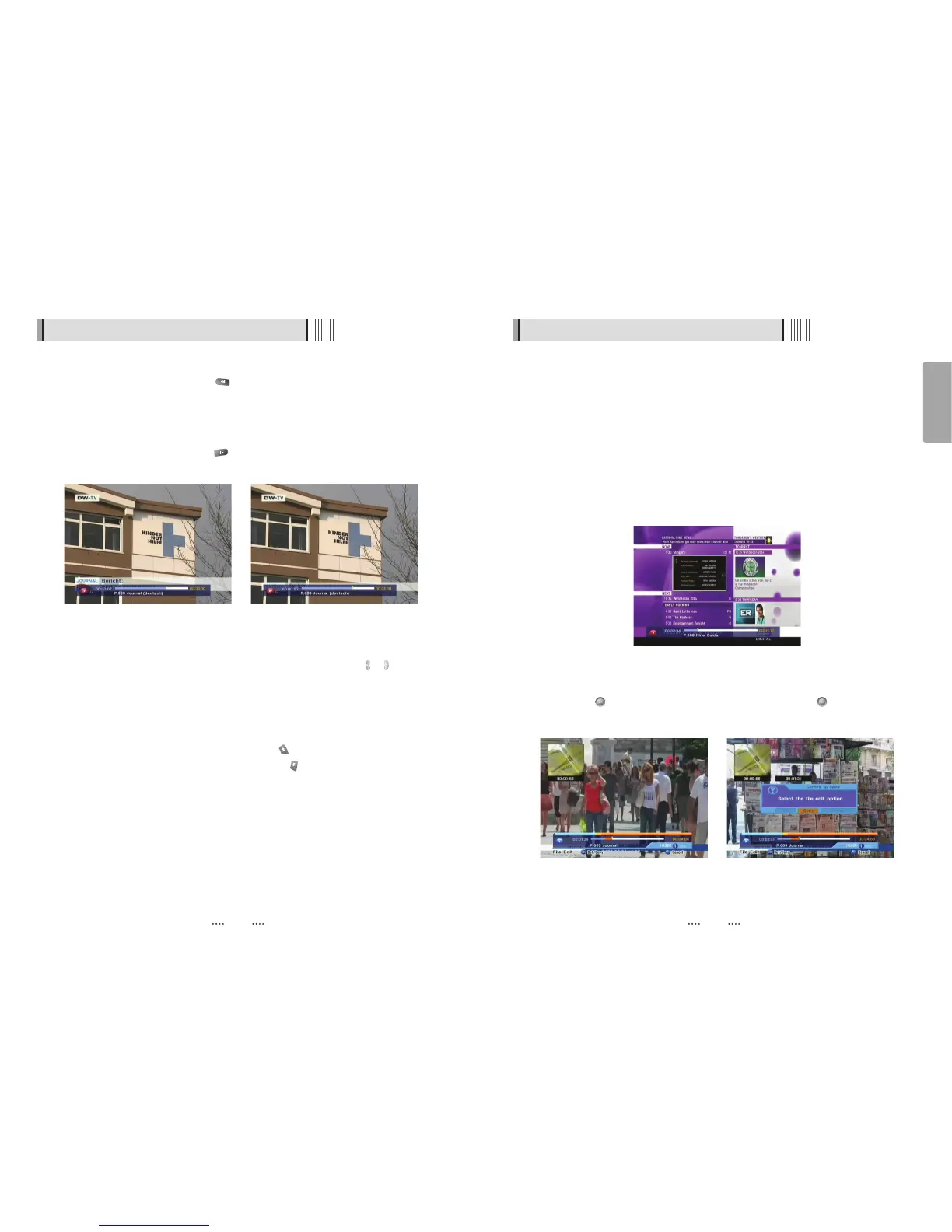
To mark a specific place in a file for later retrieval. <Figure 6-9-10>
- RED : Press this button and red small triangle cursor will be placed at that position. If you
want to delete the bookmarked position, press a this button once more when red
small triangle cursor appear.
- GREEN : Press this button and the current position will jump to the previous bookmarked
position and playback starts from this point.
- YELLOW : Press this button and the current position will jump to the next bookmarked
position and playback starts from this point.
ҫ
Note : The maximum number of the bookmark is 20 in a file.
- BLUE : Press this button and edit(copy, cut) the file. <Figure 6-9-11>
Press button to select edit start position and one more button to select
edit end position. Select cut or copy. <Figure 6-9-12>
<Figure 6-9-10>
<Figure 6-9-11> <Figure 6-9-12>
6.9 PVR
ᶀ RWD(Rewind)
When playing the file, you can press to adjusting the playing speed. <Figure 6-9-8>
The speed will change to x2, x4 and x8.
ᶀ Slow(1/2x, 1/4x)
When playing the file, you can press to adjusting the playing speed. <Figure 6-9-9>
ᶀ Jump
- You can locate the control position to the desired position by using the / .
- If you press this key continuosly, You can locate the control position to the desired
position very quickly.
ᶀ Skip
- You can skips and forward in 15 seconds using the
N
- You can skips and backward in 15 seconds using the
N
<Figure 6-9-8> <Figure 6-9-9>



 To Next Page