©
2014 Draeger
Medic
al
,
Inc
.
INFINITY CENTRAL STATION & M300 QUICK REFERENCE GUIDE
| 13
THIS GUIDE IS INTENDED
FOR REFERENCE
ONLY. REFER
TO
INSTRUCTIONS FOR USE
MANUAL.ADDITIONAL INFORMATION
Accesses the Layout/Parameters and Device setup
pages, (for the M300 only).
Accesses the Demographics, Standby/Discharge, and
Transfer
pages (for M300 only), from which you can
enter or access a patient’s demographic information,
place a patient into
Standby mode, discharge a pa-
tient, or transfer a patient.
Returns to
the
Main
screen.
Keyboard
Functions
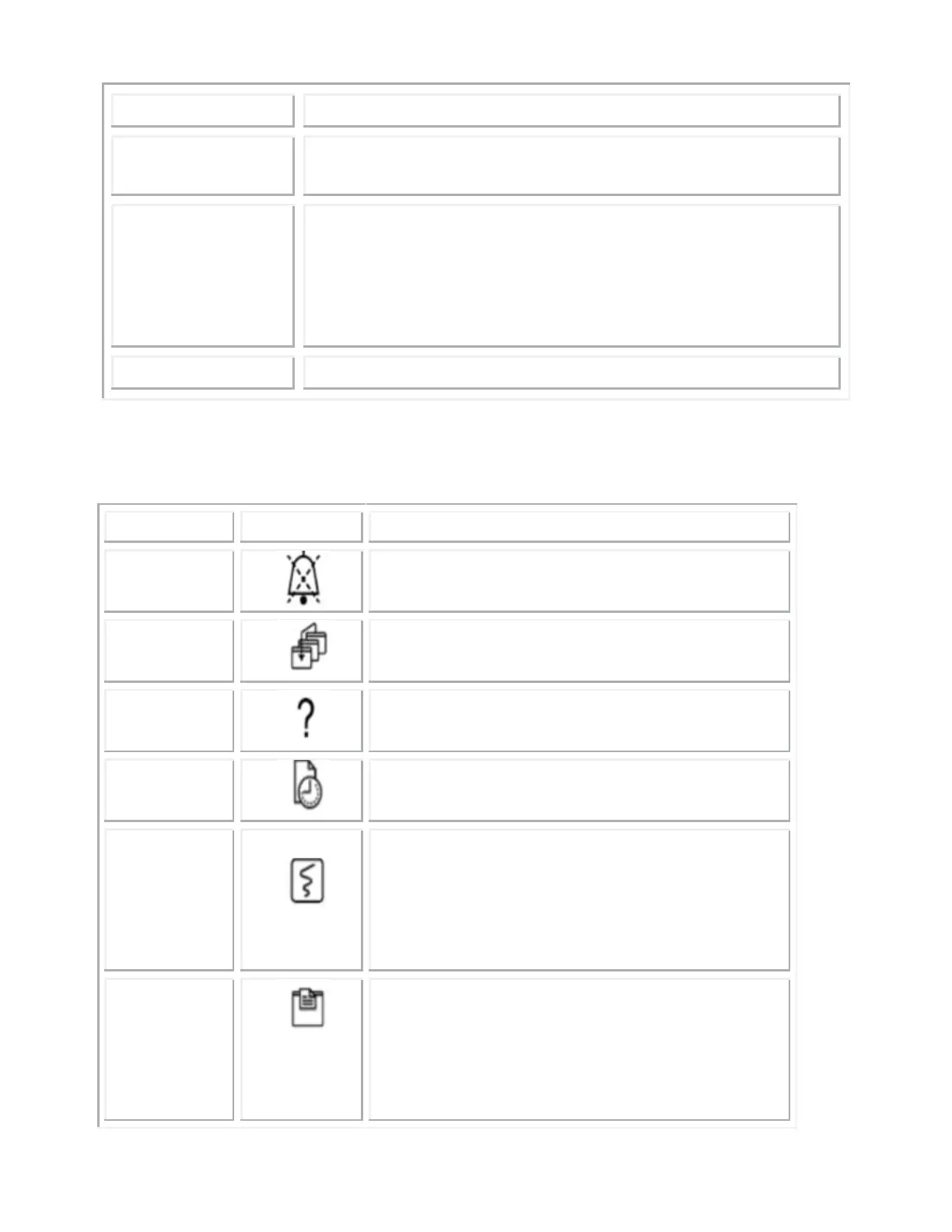
Silences all active alarms at the ICS for 2
minutes.
Displays the Main Screen.
Invokes the Help… function.
Generates a shift report for currently
assigned beds.
Initiates a strip recording for all beds as-
signed
to the Main screen. If the dual
display mode is enabled, recordings are
generated for the display in which the
mouse pointed is currently located.
Prints the contents of a screen to an op-
tional laser printer. If the Dual display
mode is enabled, a print screen is gener-
ated for the display in which the mouse
pointer is currently located.











 To Next Page