©
2014 Draeger
Medic
al
,
Inc
.
INFINITY CENTRAL STATION & M300 QUICK REFERENCE GUIDE
| 25
THIS GUIDE IS INTENDED
FOR REFERENCE
ONLY. REFER
TO
INSTRUCTIONS FOR USE
MANUAL.ADDITIONAL INFORMATION
3. Select the Device setup tab.
4. Select the Status tab.
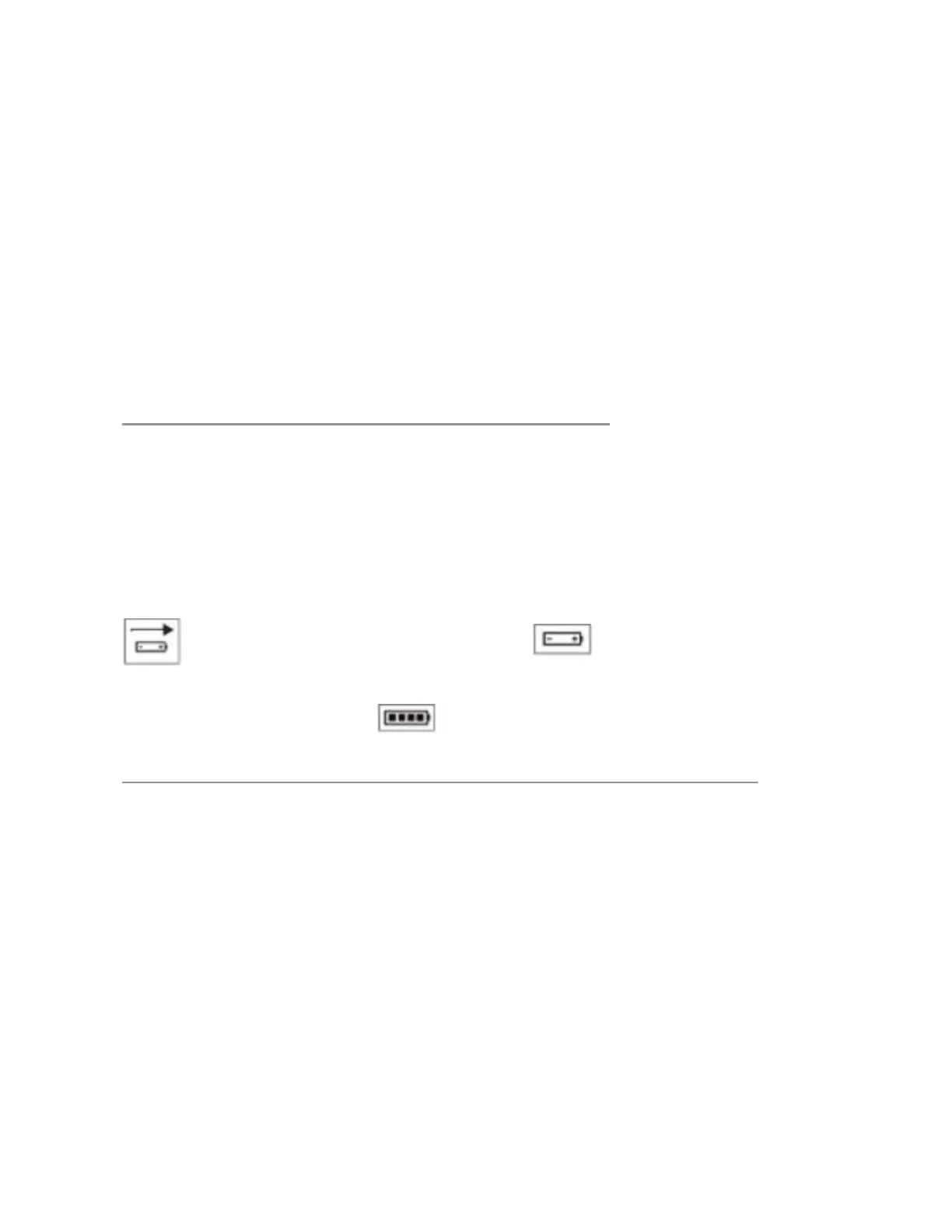
- An arrow over the picture of the battery indicates the M300 is
on the bedside charger.
- Bars inside battery indicate strength.
- Signal strength is displayed in the bar graph.
- For ECG Electrode status, green indicates the electrode is con-
nected to the patient, red indicates the electrode is not con-
nected to the patient.
ICS MAIN SCREEN BATTERY CHARGING CHECK
The
following icons
appear
in the
header
bar of the
Viewport above
the
parameter
bo
x
& in the
header
bar of the
Bedview next
to the
pa-
tient c
a
t
egor
y
:
M300 on bedside M300
NOT
on bedside charger:
charger:
The
bars inside the
battery indicate
the
remaining
charge of the M300
ba
tt
er
y
:
TO RELEARN FOR A M300 or BEDSIDE MONITORED PATIENT
1. Open the BedView page by selecting the viewport of the pa-
tient on the ICS Main screen.
2. Select the ECG relearn button on the Bedview menu bar.
3. For bedside monitored patients you may also select Resp re-
learn to relearn respirations.
Note: It is recommended to INITIATE A MANUAL RELEARN when:
- Leads are reconnected or electrodes are repositioned
- Eight hours have passed since the last learning phase
- The bedside monitor displays a message indicating that it
cannot learn.











 To Next Page