Supplement for Infinity CentralStation Wide
18 Supplement
– Infinity CentralStation Wide – VG2.1.2
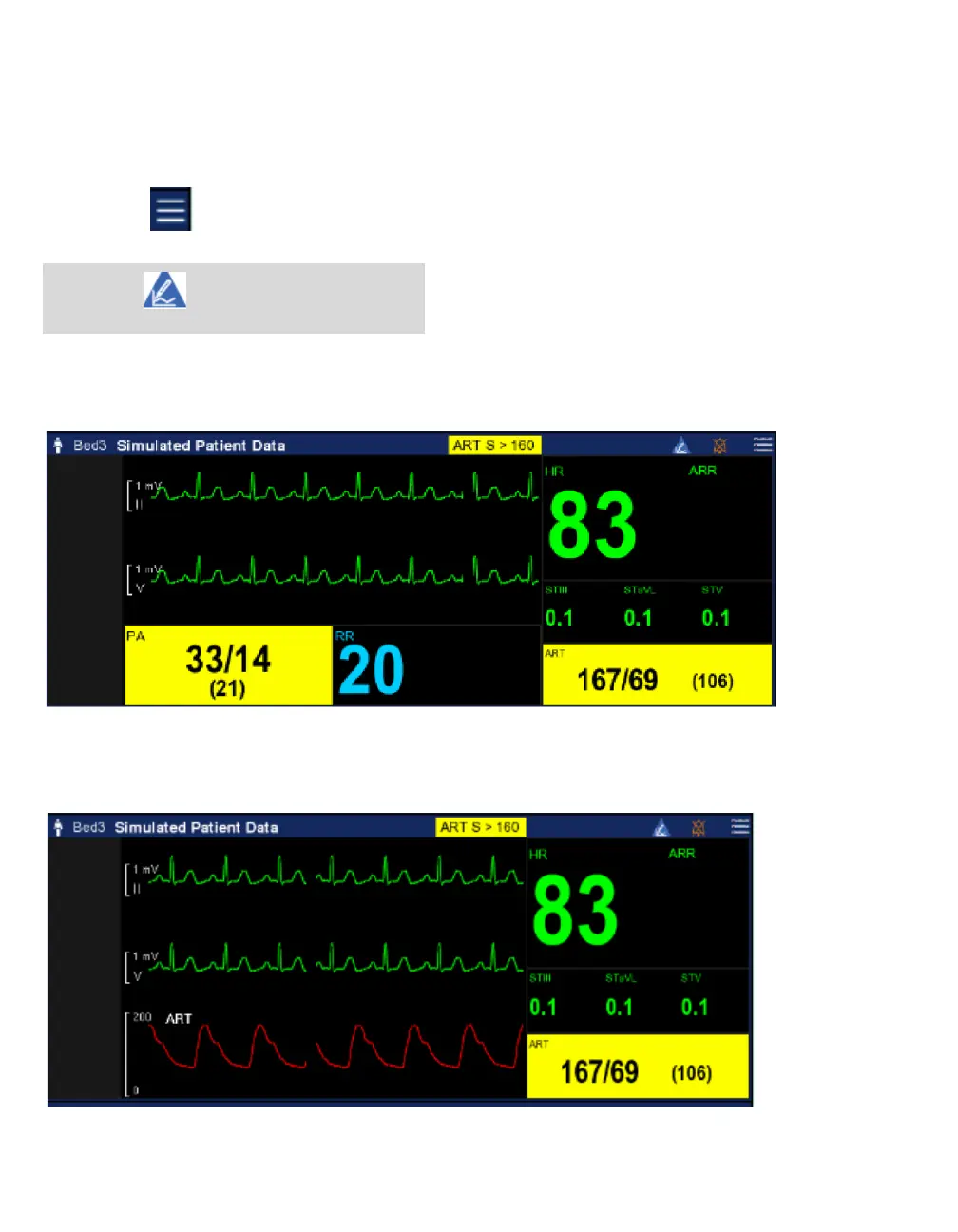
Main screen bottom channel access
1 Select Main screen on the main menu bar.
2 Select the menu icon for the patient bed that you want to customize
3 When the bottom row is currently set to waveform, and you want to change it to parameters, select Set
bottom row to parameters:
or if the bottom row is currently to set to parameters, and you want to change it to waveform, select
Set bottom row to waveform:
NOTE
The triangle indicates that the patient
viewport is customized











 To Next Page