©
2015 Draeger
Medic
al
,
Inc
.
INFINITY COCKPIT QUICK REFERENCE GUIDE |18
THIS GUIDE IS INTENDED
FOR REFERENCE
ONLY. REFER
TO
INSTRUCTIONS FOR USE
MANUAL.ADDITIONAL INFORMATION
CONFIGURING ARR (ARRYTHMIA) ALARM SETTINGS
1. Select the Alarms button on the main menu bar.
2. Select the Limits tab (if not already selected).
3. Select the ARR tab along the right side.
4. Select the corresponding setup button for the Alarm priority
column to select the alarm priority. A crossed-out triangle ap-
pears when alarm monitoring is deactivated. The priority for
asystole and ventricular fibrillation events cannot be changed.
The alarm priority ’high’ is always assigned to these categories.
5. Select the corresponding setup button in the Rate column to
set the rate.
6. Select the corresponding setup button in the Count column to
set the count.
7. Select the corresponding setup button in the Archive column
to set how it will be archived with alarm violation.
8. Select the Arrhythmia mode button to change Arrhythmia
monitoring to Advanced, Basic or Off (if available).
9. Select the Relearn button to initiate the relearn process of the
ECG leads. A new reference template is created.
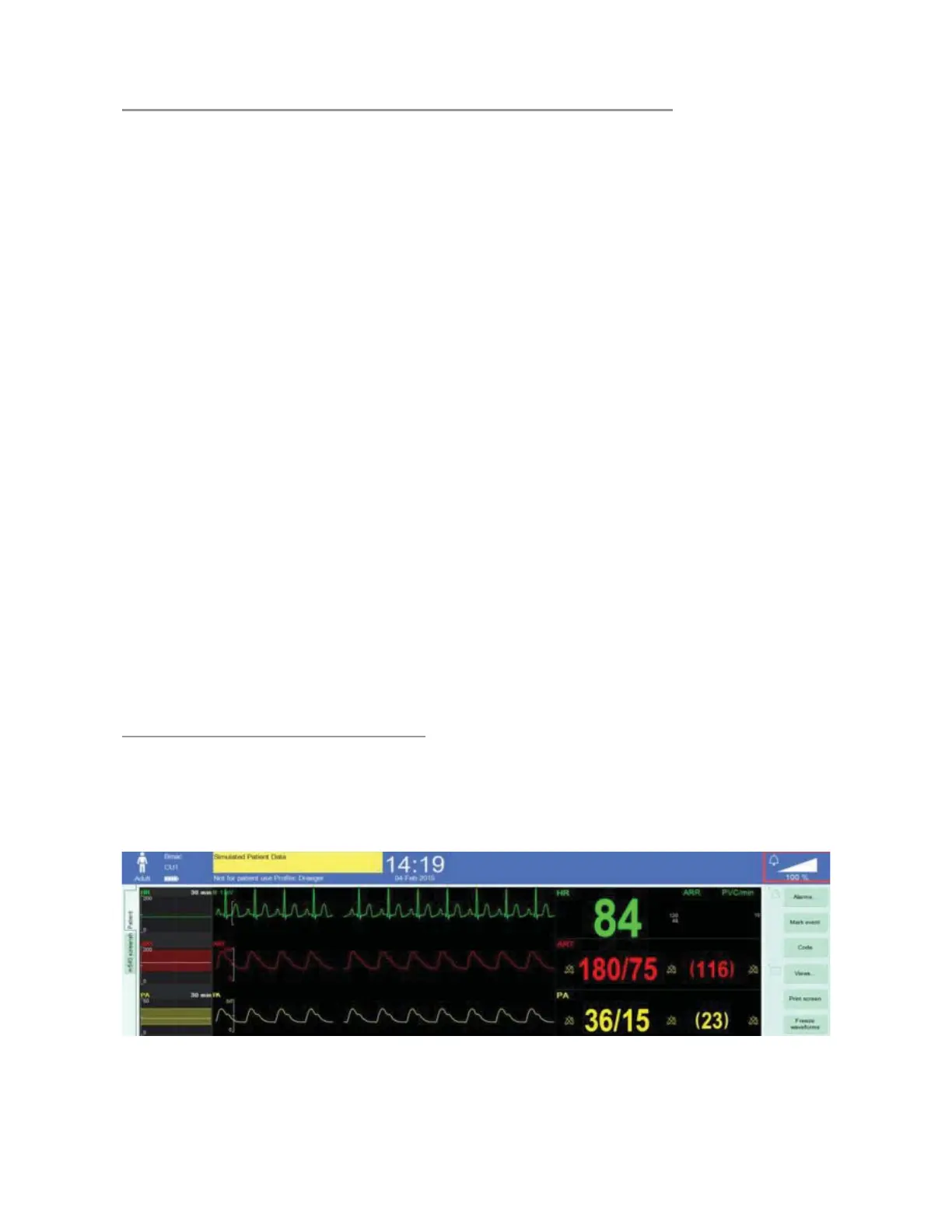
TO ADJUST ALARM VOLUME
1. Touch the Alarm Volume Indicator to open the Alarm Volume
Menu











 To Next Page